Network Logon (Windows 95/98/ME only)
If using Windows 95, Windows 98, or Windows ME, you must Logon to the Network cor-
rectly in order to use GNS-2000.
To check your Network Logon, following this procedure:
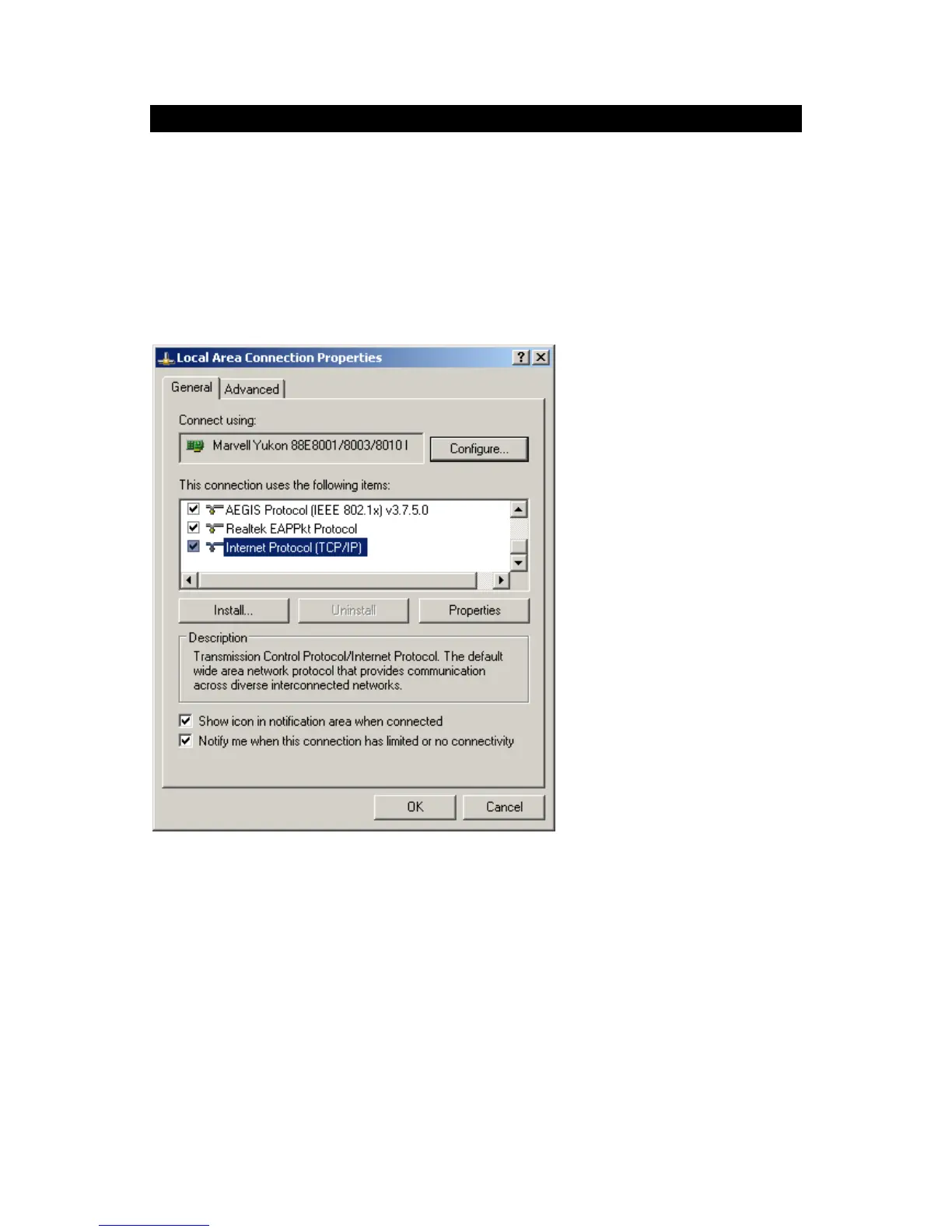
1. Check your Window logon using Start - Settings - Control Panel - Network.
Ensure the Primary Network Logon is set to "Client for Microsoft Networks", as shown
below.
Window Logon
Windows will prompt you to Logon to the Network when it starts (boots).
You must logon!
If you press ESC, or click Cancel, no network resources will be available.
When you logon, you need to use a valid User Name and Password. If GNS-2000 Admin-
istrator has defined users on GNS-2000, use the User Name and password they supply.



 To Next Page