Administration
Overview
This Chapter describes using the Web-based Administration interface.
For details on using the Windows utility, see the Basic Installation & Setup Chapter.
The Web-based Administrative Interface
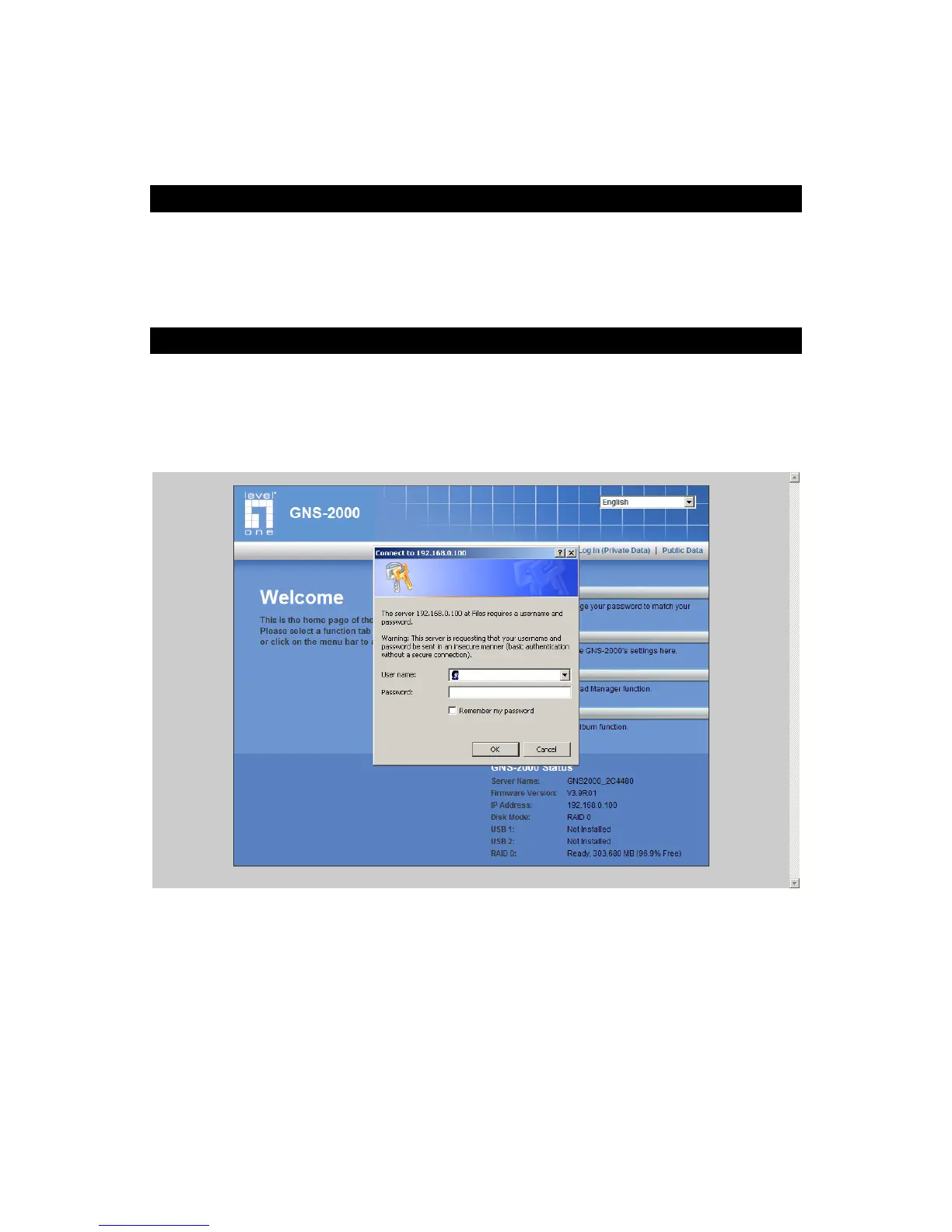
To access the Administration interface, click the "Administration" link on the home page.
You will then be prompted for a password, as shown below.
Password Dialog
Enter “admin” for the name, and leave the password blank.
To gain access, you must enter the User Name and Password of a user in the
"Administrators" User Group.
By default, the only user in the "Administrators" User Group is "admin". (You can
add other users as you wish.)



 To Next Page