Using the GNS-2000's Storage
To use GNS-2000's storage, you should "Map" a drive letter to each folder on GNS-2000
folder, which you wish to access. The "Network Drive" will then be available to all Windows
programs. The procedure is as follows:
1. Open Network Neighborhood (or My Network Places).
On the "View" menu, select Details. The Comment column will now be visible.
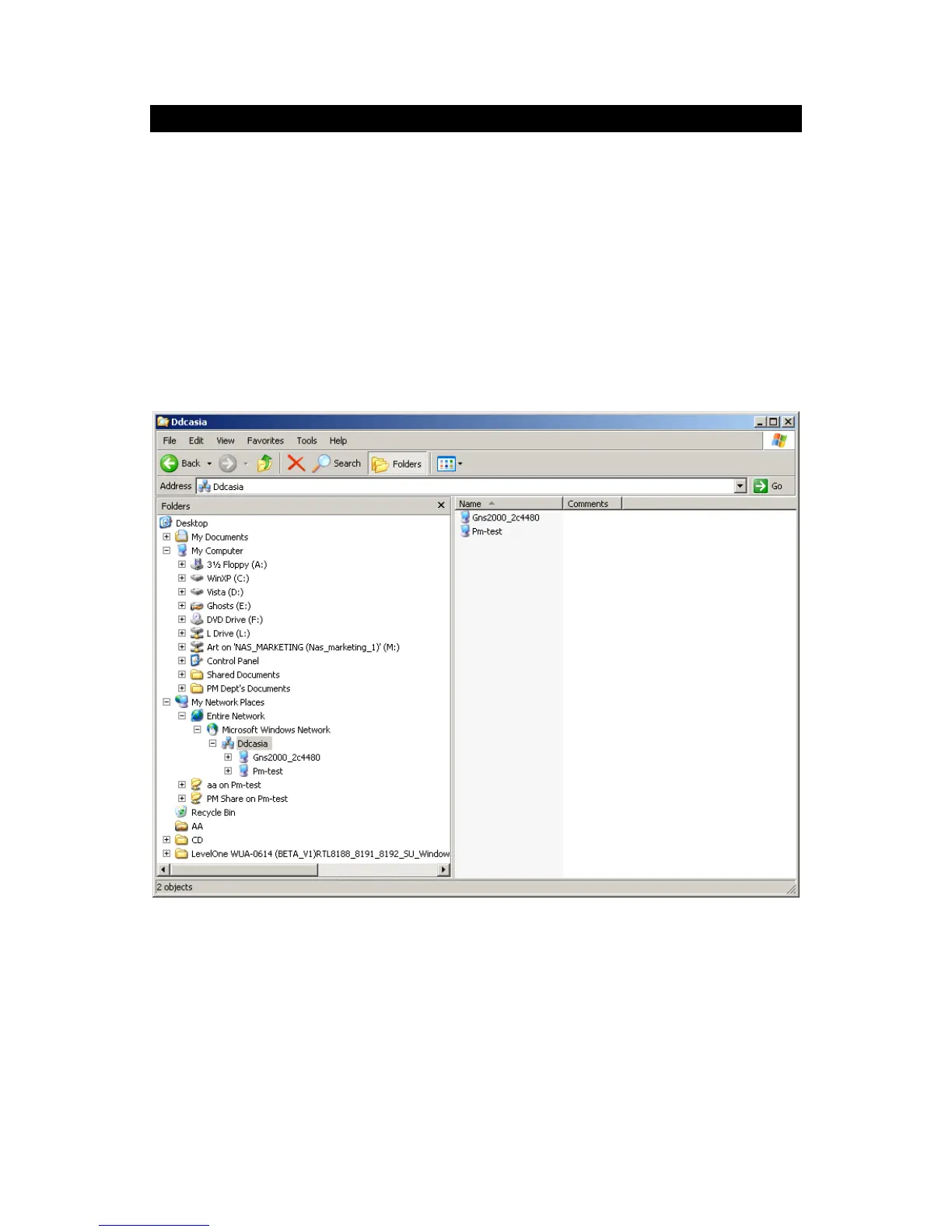
2. Locate GNS-2000, as shown below.
If it is not listed, double-click Entire Network. Then double-click the Workgroup that the
NAS is in. (By default, the NAS is in Workgroup.)
Network Browse
3. Double click on the NAS icon. You will then see a list of shares (shared folders). You
can read and write files to these shares, unless the NAS administrator has blocked
access.
4. To create a shortcut to GNS-2000’s folder, drag its icon to the desktop, and accept
Windows offer to create a shortcut.



 To Next Page