If your Browser displays the file when you prefer it to be downloaded, right-click on
the file and choose "Save Target as…"
5. To access data which is password-protected, click the User Login (Private Data) link.
You will then be prompted for your user name and password.
Enter the user name and password assigned to you by the Administrator of the
NAS.
The screen will then update, and list all Shares (folders) to which you have access.
You can now navigate through these folders by clicking on the folder name, and down-
load any file by right clicking in and choosing "Save Target as …".
Changing your Password
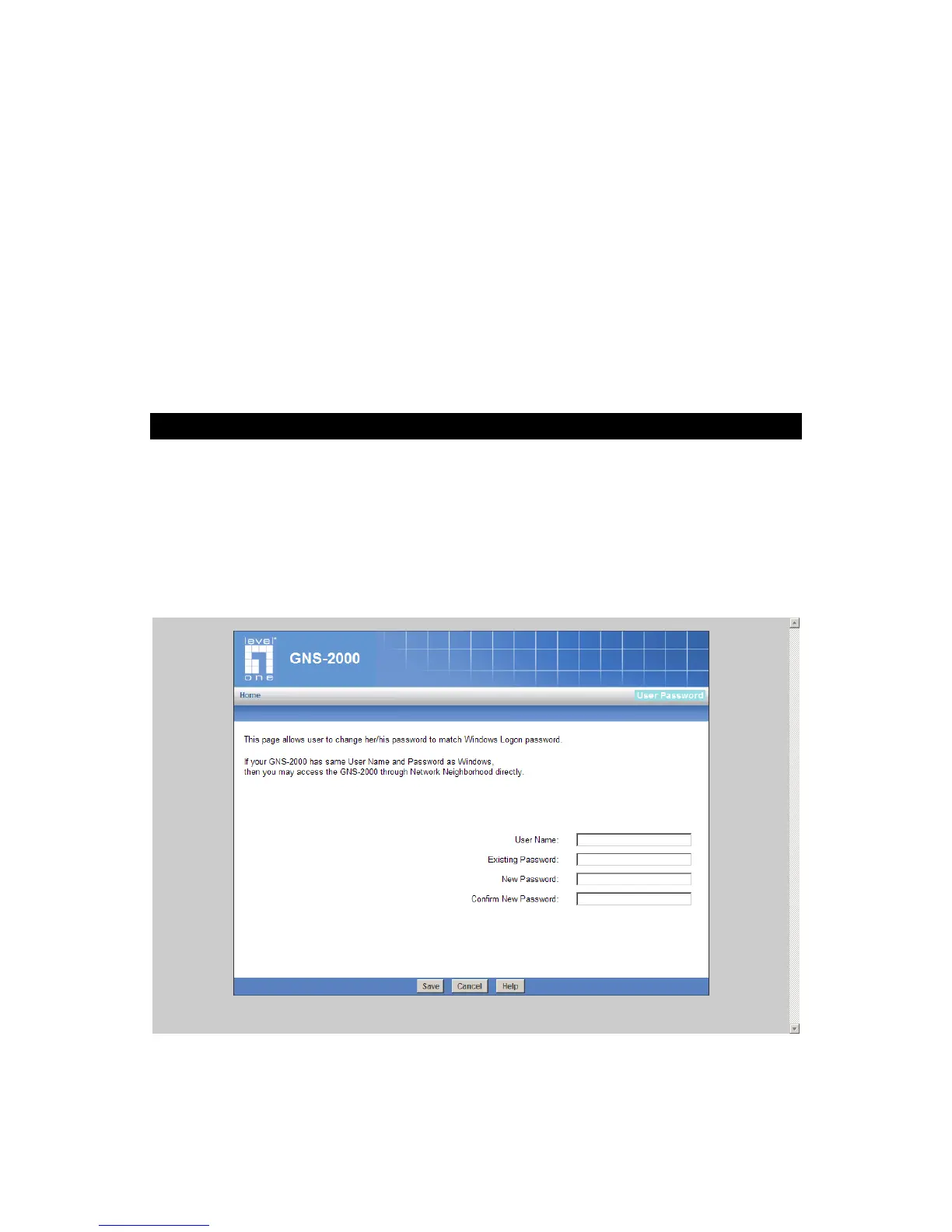
Although the Administrator of GNS-2000 must create your User Name and initial password,
you can then change your own password whenever you wish, as follows:
To change your password, click on the "Change Password" link on home page. The follow-
ing screen will be displayed.
Change User Password
Enter the required data:



 To Next Page