Download Manager
Overview
Download manager allow you to download file via FTP, HTTP or BT without PC. Just set
on GNS-2000 and will base on your setting to download file automatically.
The Web-base Download Management Interface
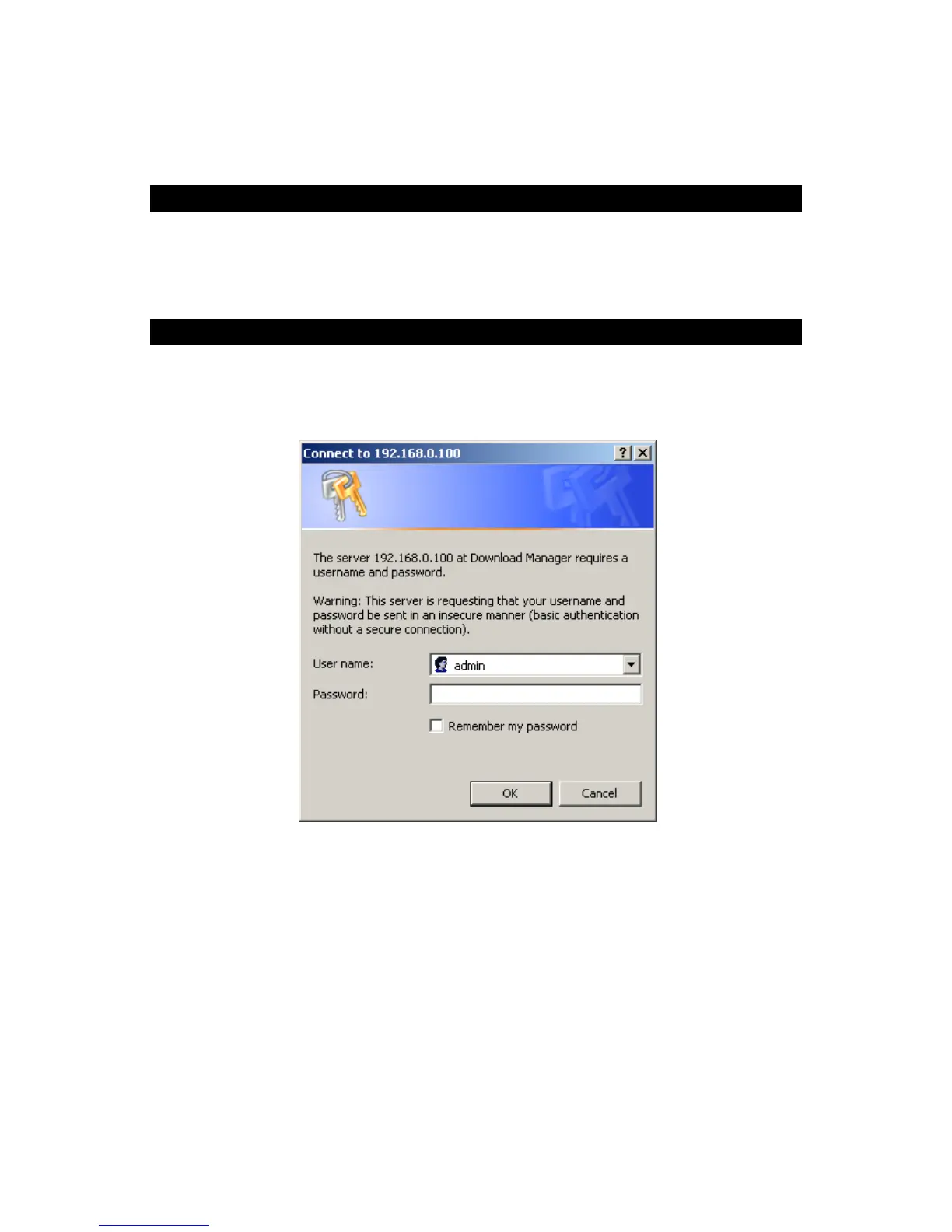
To access the Download Manager interface, click the "Download Manager" link on the
home page. You will then be prompted for a password, as shown below.
Password Dialog
Enter “admin” for the name, and leave the password blank or user ID and password which
registered on GNS-2000
Download Management Screen
This screen allows you to manage your download tasks.



 To Next Page