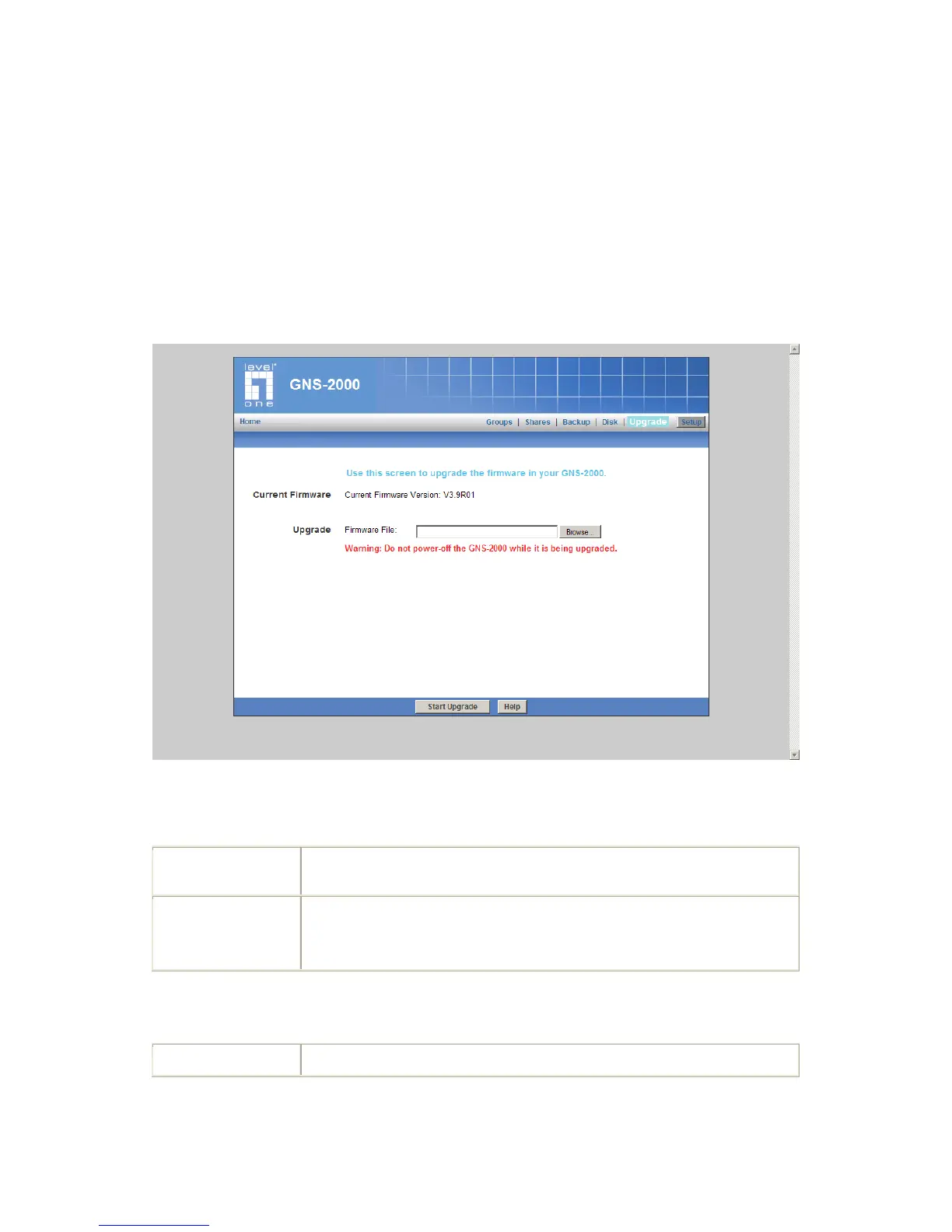
Upgrade Screen
The Upgrade facility allows you to upgrade the software of GNS-2000. You need to obtain
the upgrade file from your dealer or supplier.
Note that GNS-2000 is unavailable during the upgrade process, and all connections
will be lost, including this one.
GNS-2000 will reboot once the upgrade installation is completed. The procedure may take
from 5 to 10 minutes.
Upgrade Screen
Data
Click the "Browse" button to browse the folders on your PC and select the
Firmware file (e.g. C:\downloads\NAS SERVER_V36R01.bin).
Note: Implementation of this feature is Browser-dependent.



 To Next Page