Basic Installation & Setup
The following section instructs you on how to physically connect the NAS to the network,
and how to configure the NAS for basic operation in your Windows environment. Every-
thing you need to do to get your NAS up and running is covered here.
Installation
Requirements
Windows 95, 98, ME, NT 4.0, 2000, XP or Vista.
Ethernet Network employing 10/100/1000Base
TCP/IP protocol.
Procedure
Installation
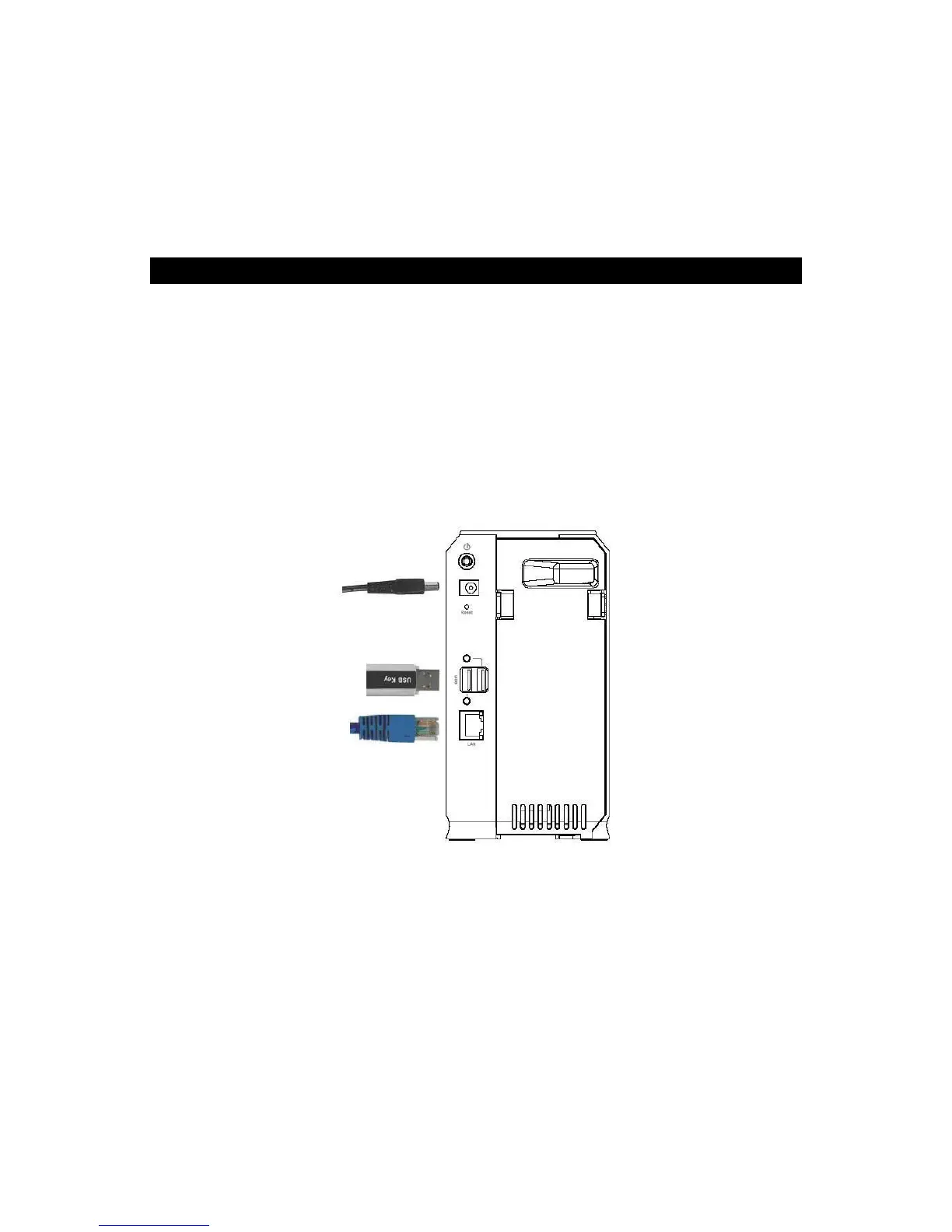
1. Connect the network cable to the GNS-2000.
Connect the network cable to the LAN port on the rear of GNS-2000. Connect the oth-
er end to your hub or switch.
2. Connect the USB device to USB port.
3. Connect the supplied power adapter to a power outlet and plug the power cord into the
Power input on the rear panel.
4. Power on



 To Next Page