Photo Album
Overview
GNS-2000 allows you to share photos with select users on the Internet. You must enable
this feature in the Media screen, then you will be able to share photos located in your
pictures folder.
The Web-base Photo Album Interface
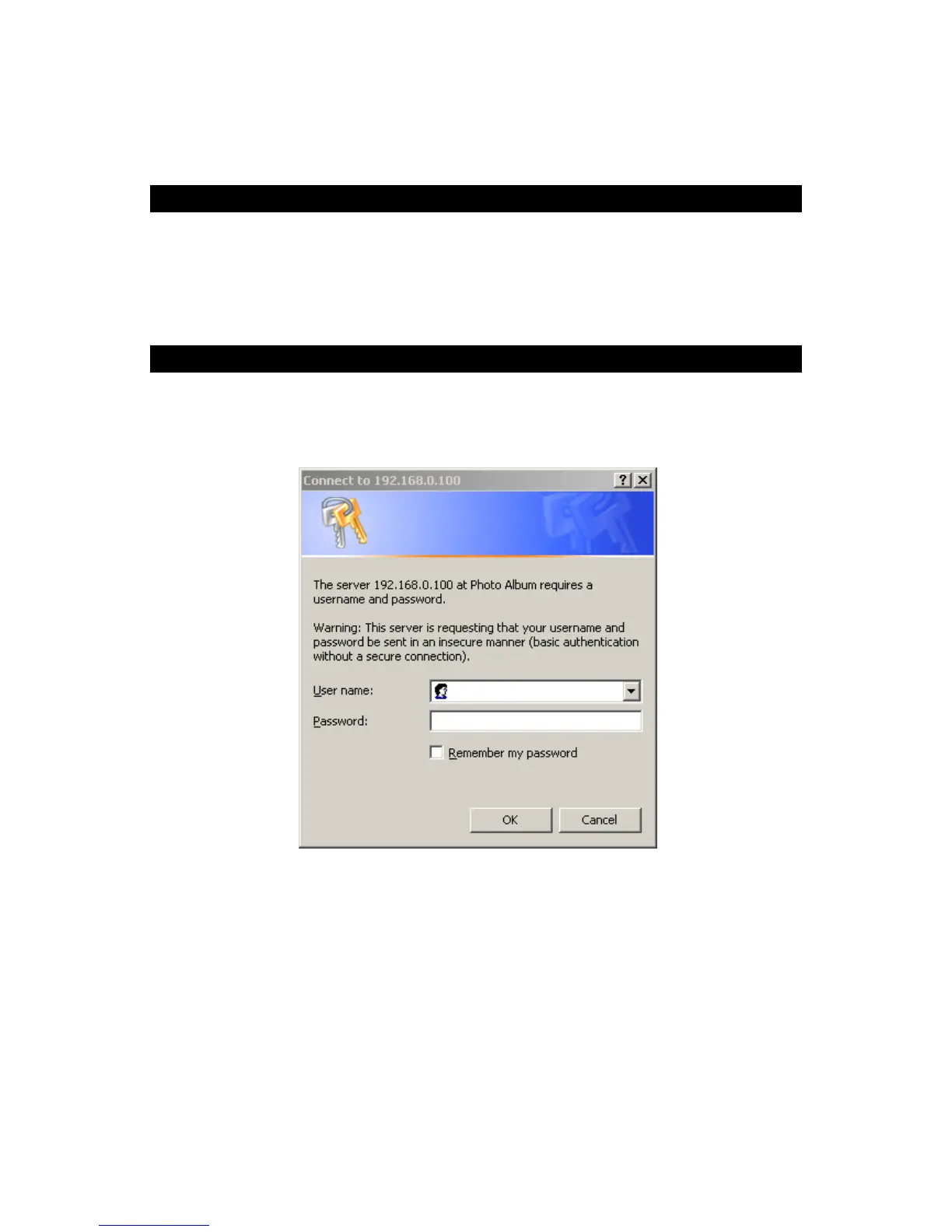
To access the Photo Album interface, click the "Photo Album" link on the home page. You
will then be prompted for a password, as shown below.
Password Dialog
Enter “admin” for the name, and leave the password blank. or user ID and password which
registered on GNS-2000.
Photo Album Screen
This screen allows you to manage your photos.



 To Next Page