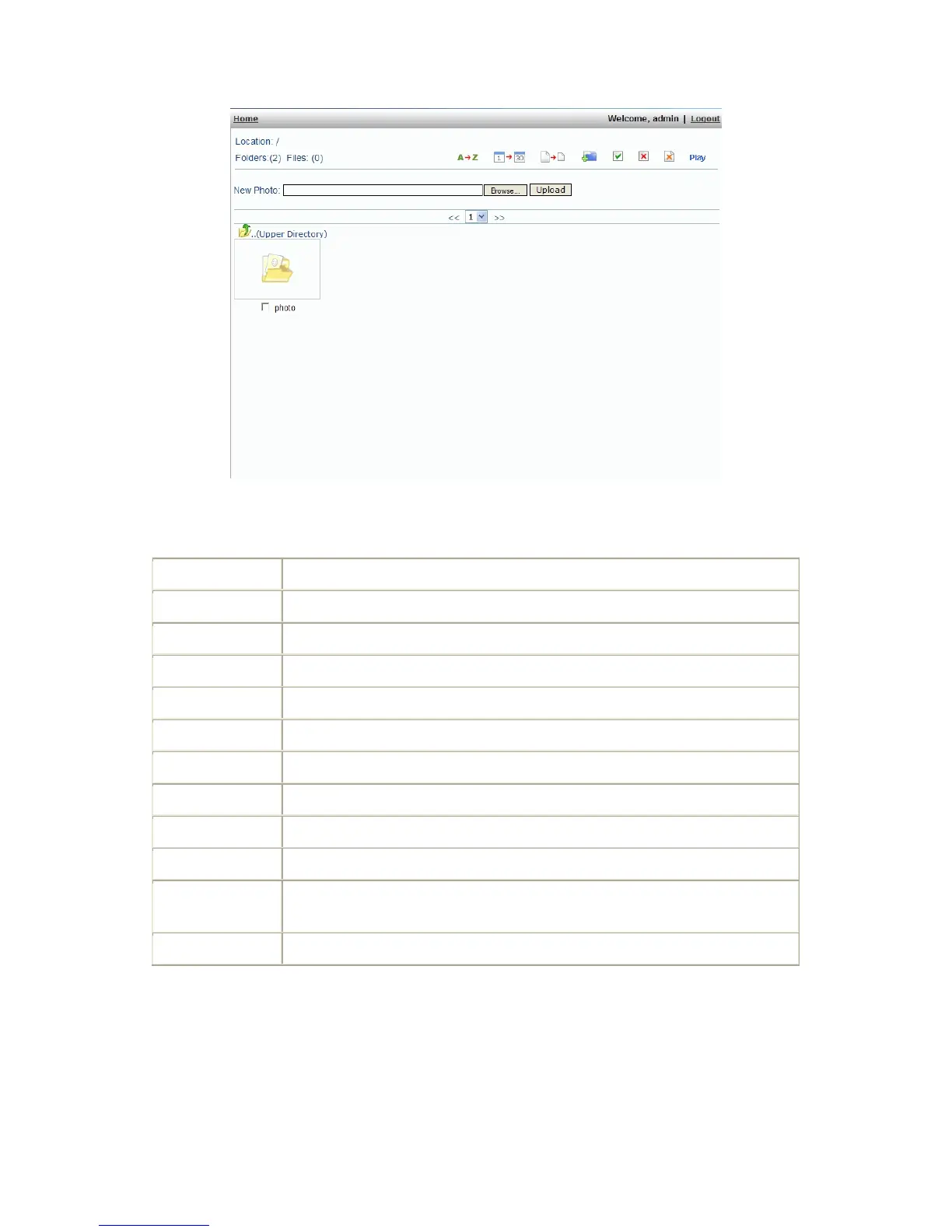
The number of the folders currently exists.
The number of the files currently exists.
Click this button to sort the files by name (A~Z).
Click this button to sort the files by date.
Click this button to sort the files by the photo’s size.
Add a new folder in the current location.
Select all the files by clicking this button.
Unselect all the files by clicking this button.
Select the image and click this button to delete.
Click this button to continue playing the images in the folder.
Use the “Browse…“ button to find the photo image you want to add, then click
the “Upload“ button.
Use these buttons to change pages.



 To Next Page