3. Select a drive letter for this folder, check the Reconnect at Logon checkbox, then click
"OK".
4. This drive will now be available in Windows Explorer, and from the File- Open or File-
Save As dialog in all Windows applications.
Notes:
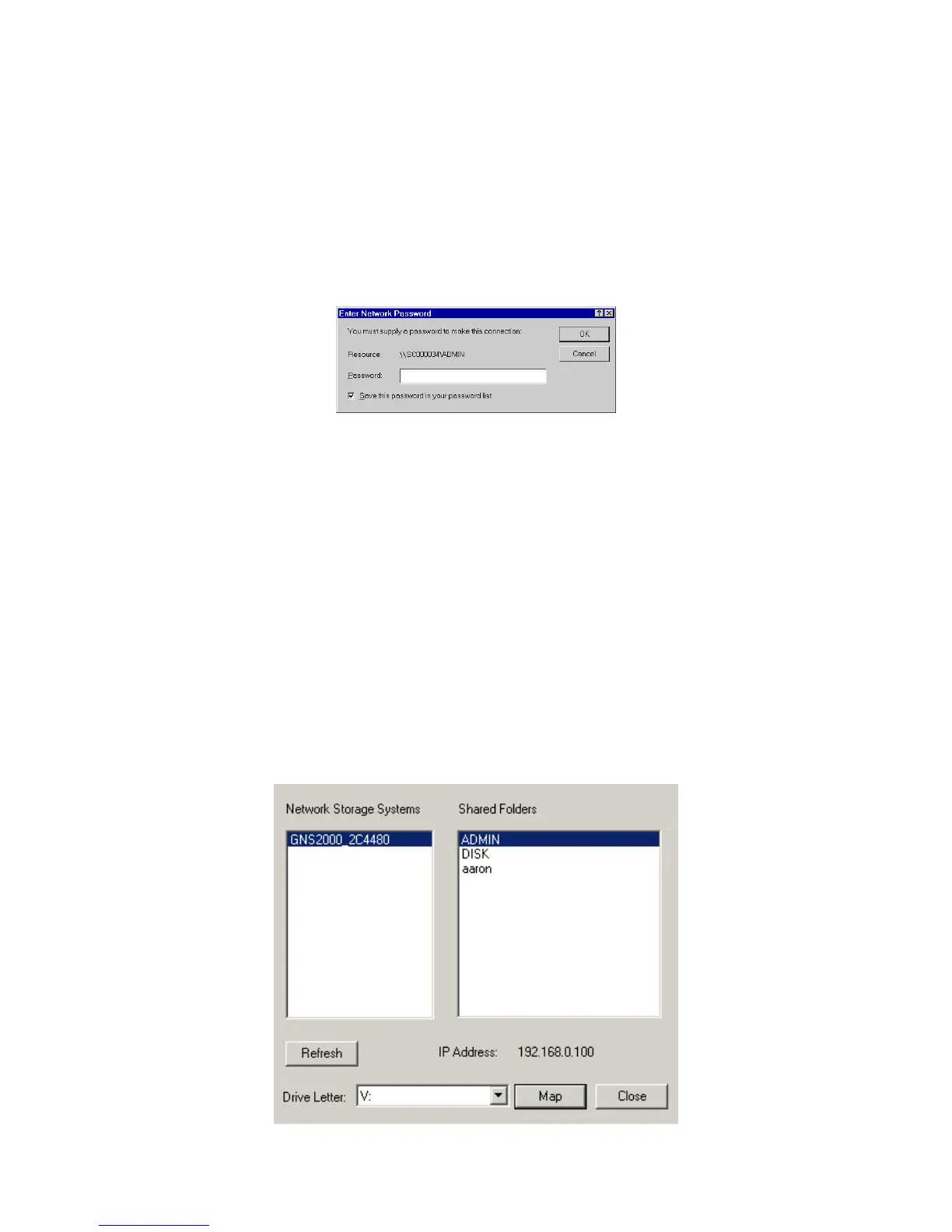
When you try to access a folder, you may be prompted for a password, as shown below:
Network Resource Password Dialog
If your Windows logon name is the same as your user name on GNS-2000, but the
passwords are different, you can enter your GNS-2000 password here.
But if your Windows logon name does not exist on GNS-2000, you will have only
guest access rights, and there is no password that you can enter in this dialog. You
must ask GNS-2000 administrator to create a username and password for you on
GNS-2000.
Even if your username and password are correct, you can't gain access if GNS-2000
administrator has not allowed access.
You can also use the Windows utility installed from the CD-ROM:
1. Select "Share Folder Mapping", and a screen like the following will be displayed.



 To Next Page