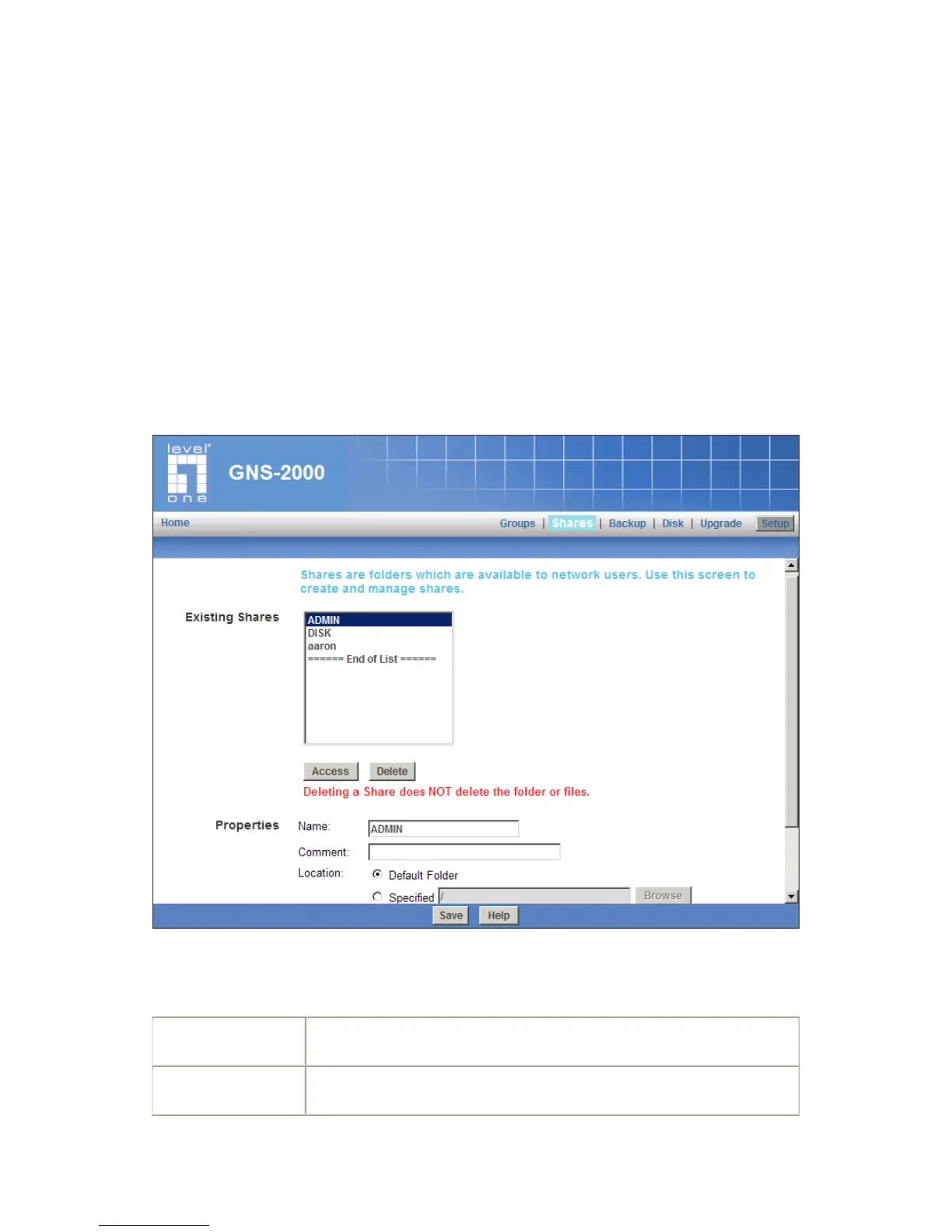
Shares Screen
This screen allows you to manage the Shares that exist on the NAS Server. A "Share" is a
folder (directory) on the NAS Server that a User Group can access.
Only the NAS Server Administrators can create Shares. However, within a Share,
users who have access to that Share can create other folders (directories) as well as
files.
A Share can be accessed by many User Groups, and a User Group can access many
Shares.
If a folder within a Share is also a Share, then all users with access to the outer share
will ALWAYS have the same access to the inner share.
Shares Screen
Existing Shares
All existing shares are listed. When an existing Share is selected in the list
of Shares, its details are displayed in the "Share Properties" area.
Click this Button to view the Groups that have access to the selected
Share, and change these access rights as required.



 To Next Page