100
The Sample code source you can download from
How to compile source code
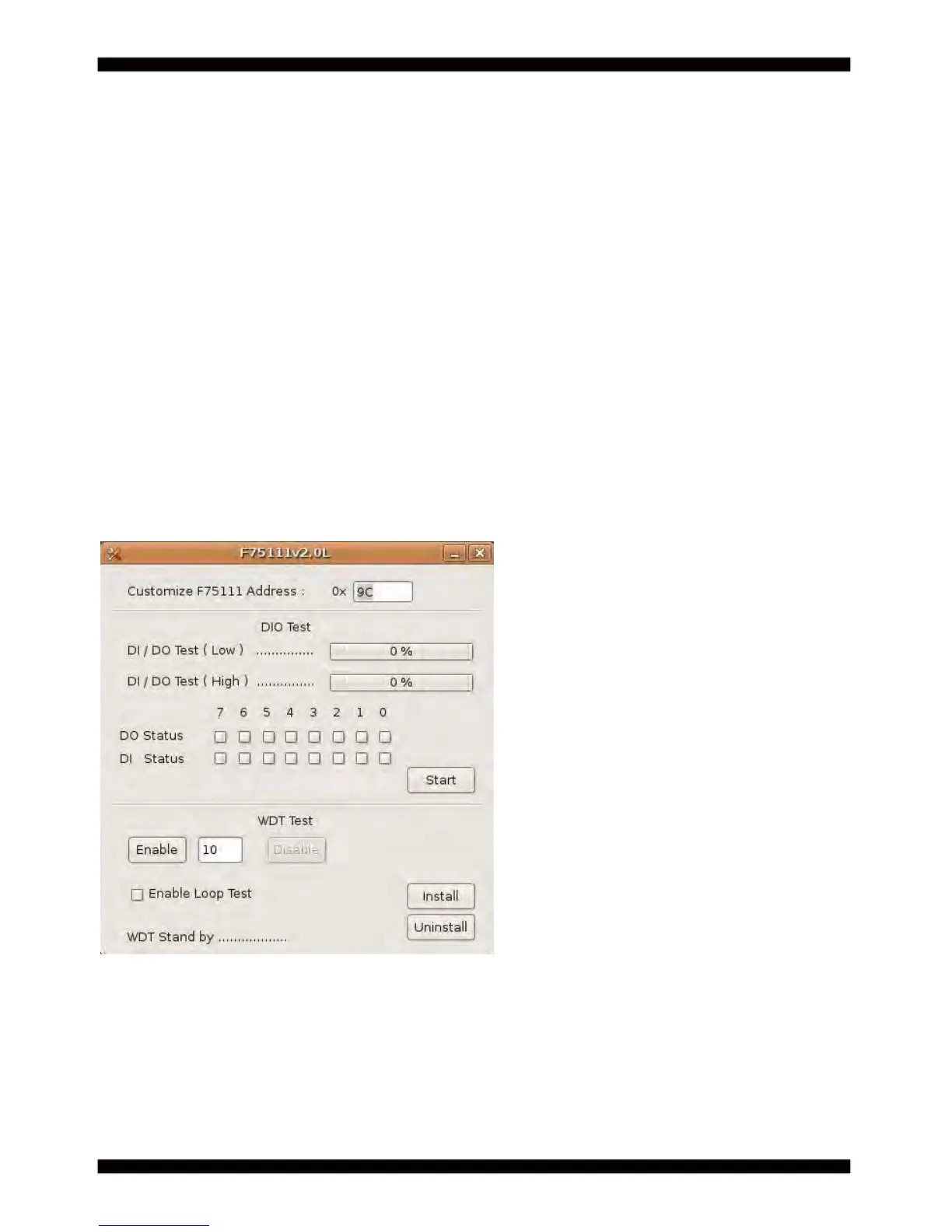
How to use this Demo Application
Source fi le:F75111v2.3L_SRC.tar.gz
Binary fi le:F75111v2.3L_BIN.tar.gz
USERNAME & PASSWORD: sf
1. Compile source code with Code::Blocks
download and install the Code::Block with command "apt-get install codeblocks"
Open an exist project(F75111.cbp) in Code::Blocks, click the compile button
( add an option 'pkg-confi g --libs gtk+-2.0 gthread-2.0' in "Project->Build Option->
Linker Setting->Other linker option")
2. Compile source code with "make"
1.cd F75111
1.make
1.src/f75111 // execute the binary fi le
http://tprd.info/lexwiki/index.php/IO_Device:F75111_under_linux
1-4 IO Device: F75111 under linux
1. Press the "Start" button to test DIO function
2. Press the "Enable" button to test WDT function
3. Press the "Disable" button to disable WDT
4. Check the "Enable Loop" box and press "Enable" to do WDT loop test
5. Press "Install" to set the system to autorun this application when booting,
press "Uninstall" to remove this application when booting.
6. If WDT enable, system icon will be blinking.



 To Next Page