2-110 Service Manual
5021-0XX
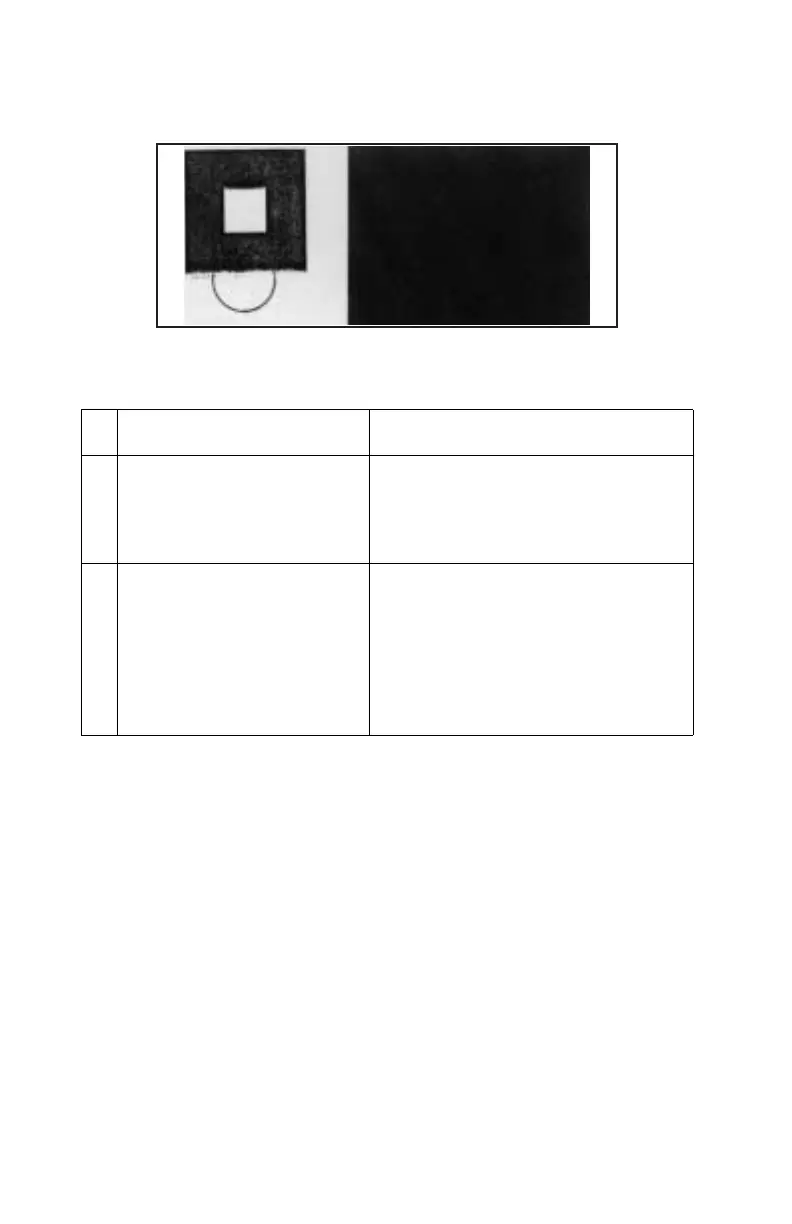
Missing image at edge service check
Image has missing or peeling toner at edge.
Problem area Action
1 Toner cartridge Too small a toner mass amount and
charging amount in the development
process.
Replace toner cartridge.
2 Photodeveloper cartridge OPC belt is deformed and wavy.
Replace photodeveloper cartridge.
See “Photodeveloper cartridge
removal” on page 4-11.
Note: Photodeveloper cartridge is a
customer order supply.



 To Next Page