19
5
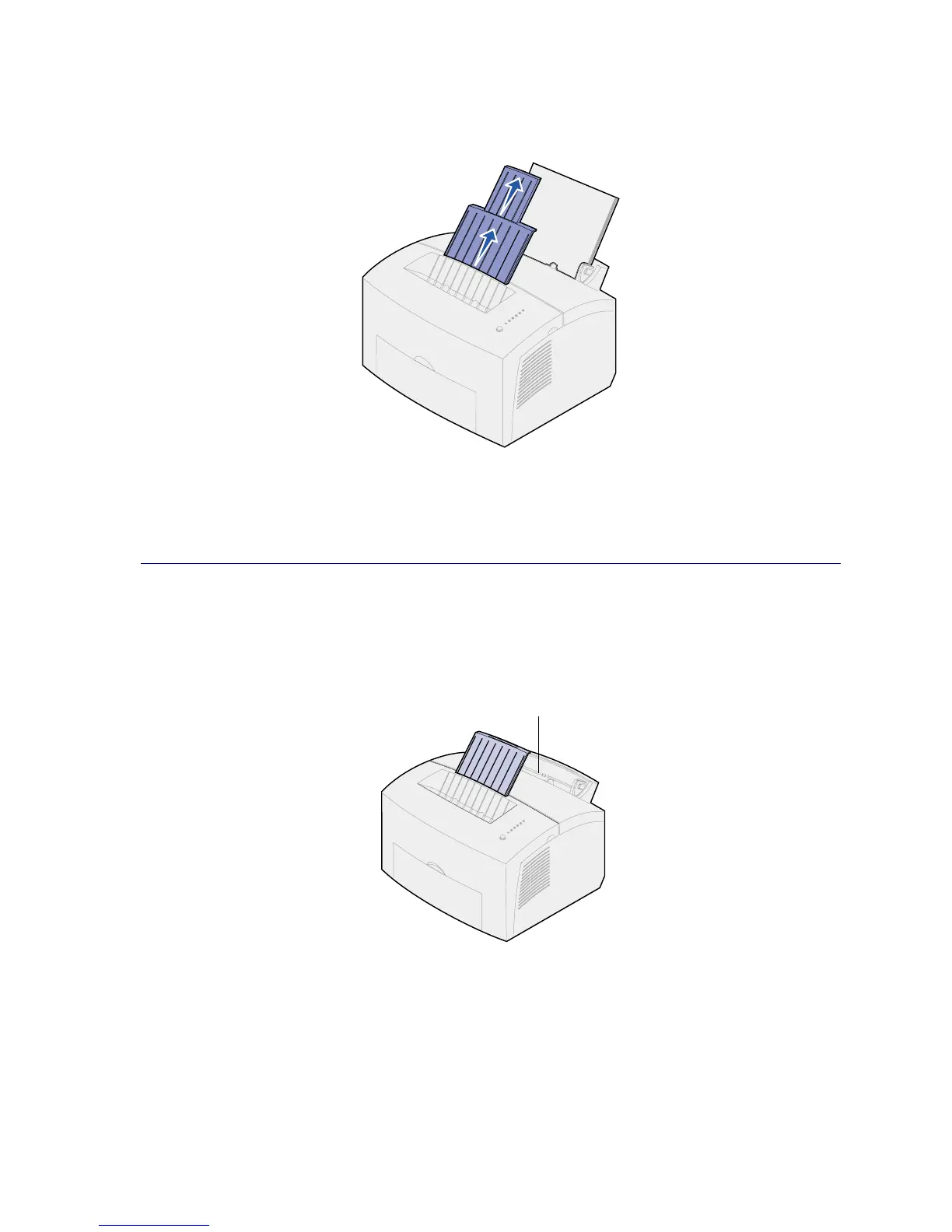
Extend the front paper support on the paper output bin until you hear a click. If you are printing
on legal-sized paper, completely extend the front paper support.
6 Select the paper size and type from your software application.
7 Start your print job.
In the manual feed
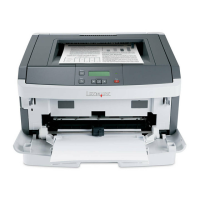
Use the manual feed to print one sheet of paper at a time.
1 Extend the front paper support on the paper output bin until you hear a click.
2 If loading letterhead paper, insert one sheet of letterhead with the top of the page pointing
down, facing you.
Manual feed



 To Next Page