29
3
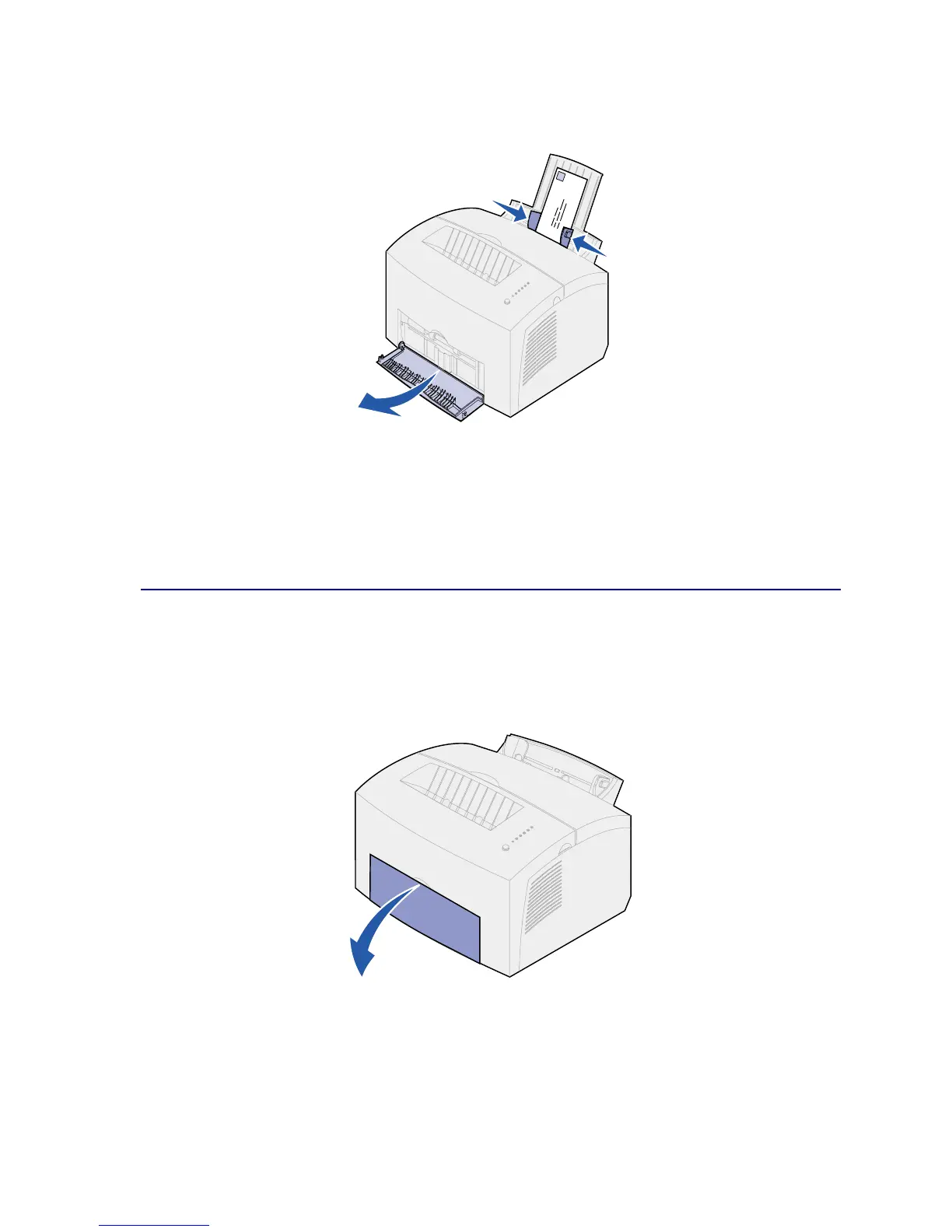
Load up to 10 envelopes in the center of tray 1 and adjust the paper guides to fit the width of
the envelopes.
Note: Use envelopes that can withstand temperatures of 200°C (392°F) without sealing,
excessive curling, wrinkling or releasing hazardous emissions
4 Select the paper type from your software application.
5 Start your print job.
In the manual feed
Use the manual feed to print one envelope at a time. If you experience problems feeding envelopes in
tray 1, try printing them one at a time from the manual feed.
1 Open the front output door for a straight-through paper path.



 To Next Page