115
3. ROUTE GUIDANCE
LS460_600h_Navi_U
NAVIGATION SYSTEM
3
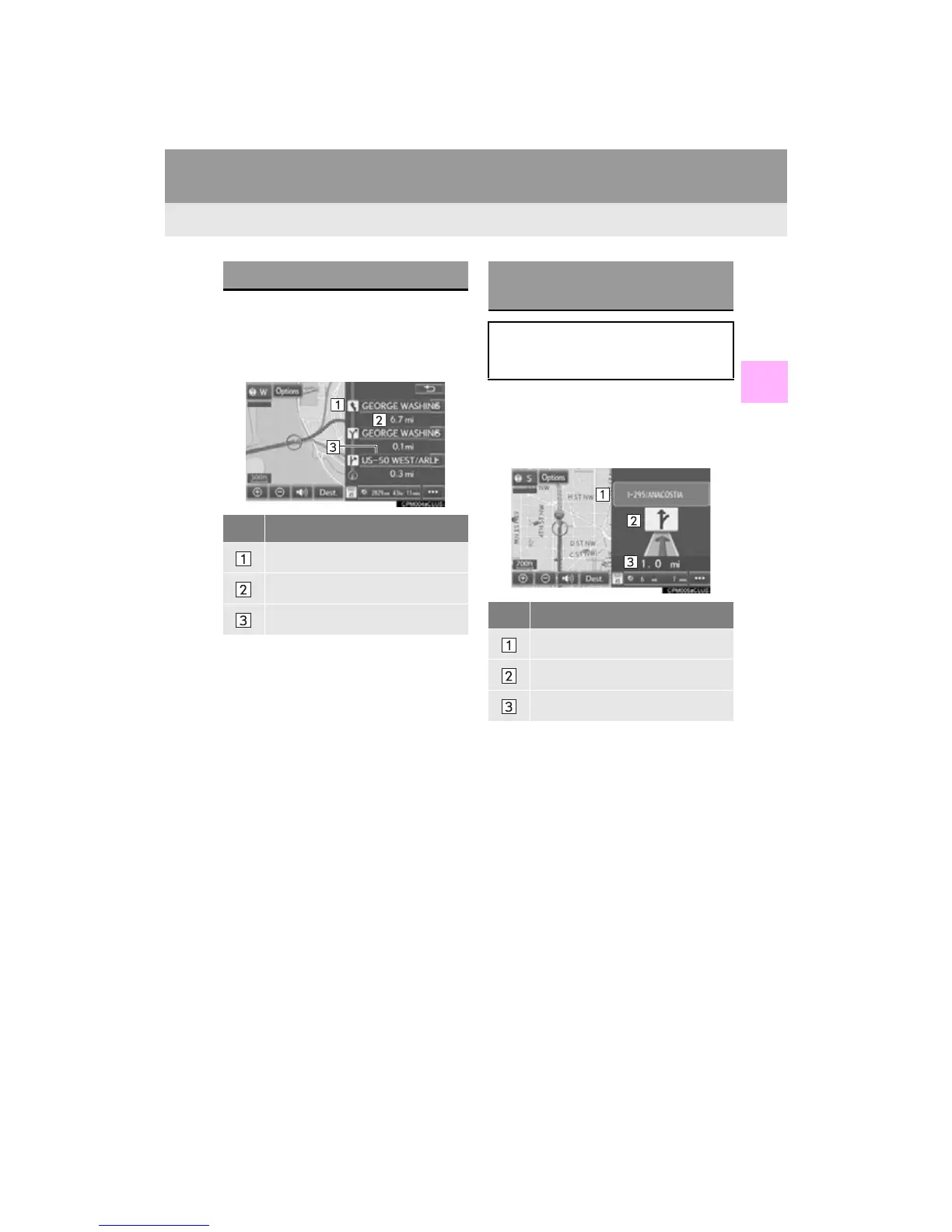
1 Select “Turn List” on the “Map Mode”
screen. (P. 81)
2 Check that the turn list screen is dis-
played.
1 Select “Turn-by-Turn Arrow” on the
“Map Mode” screen. (P. 81)
2 Check that the turn-by-turn arrow
screen is displayed.
TURN LIST SCREEN
No. Information
Turn direction
Distance between turns
Next street or destination name
TURN-BY-TURN ARROW
SCREEN
On this screen, information about the
next turn on the guidance route can be
displayed.
No. Information
Exit number or street name
Turn direction
Distance to the next turn












 To Next Page