161
2. RADIO OPERATION
LS460_600h_Navi_U
AUDIO/VISUAL SYSTEM
4
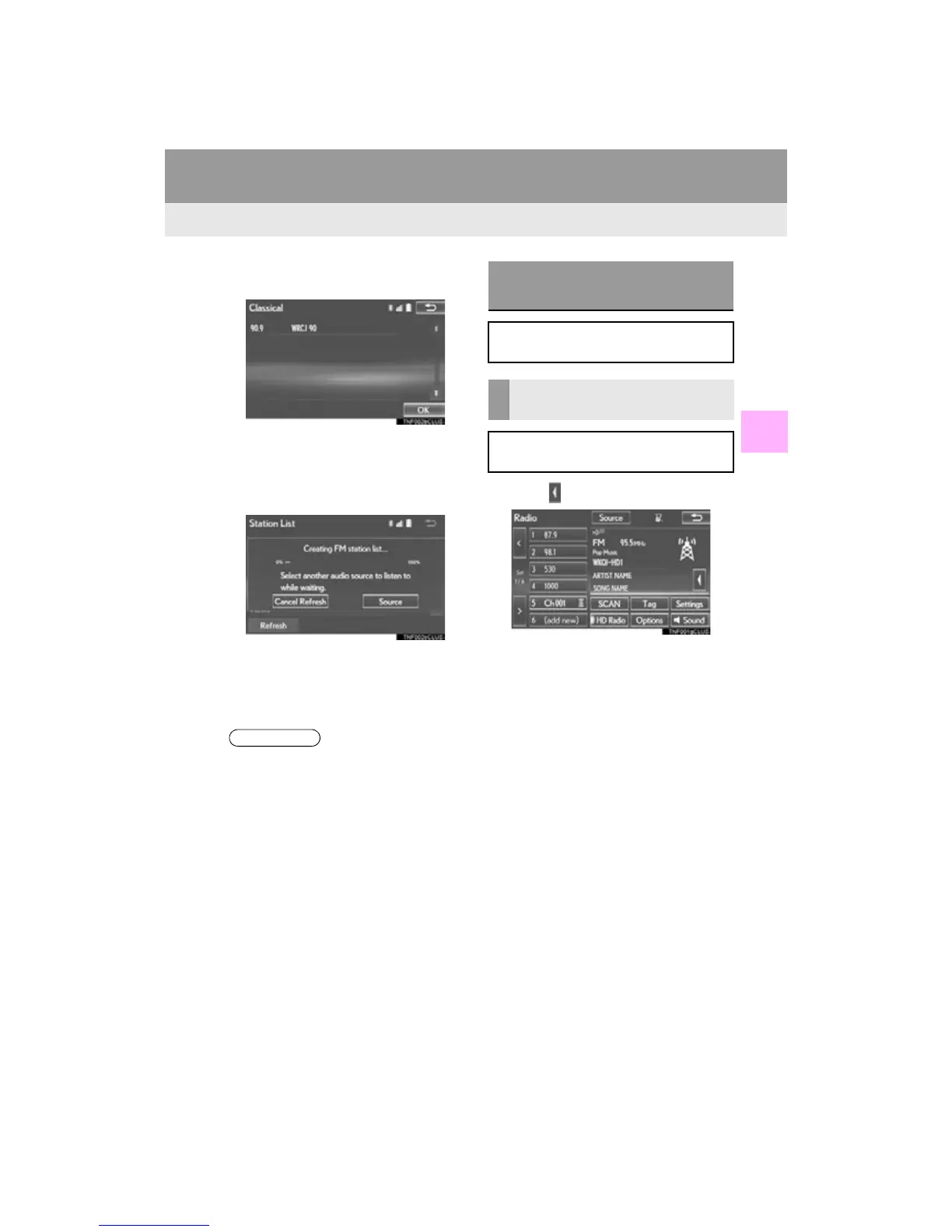
4 Select the desired station and select
“OK”.
■ REFRESHING THE STATION LIST
1 Select “Refresh” on the “Station List”
screen and the following screen will be
displayed.
“Cancel Refresh”: Select to cancel the re-
fresh.
“Source”: Select to change to another au-
dio source while refreshing.
1 Select on the right side of the screen.
●The audio system sound is muted during
refresh operation.
●In some situations, it may take some time
to update the station list.
CACHING A RADIO
PROGRAM
A radio program can be cached and
played back in a time-shifted manner.
PLAYING BACK THE CACHE
MANUALLY
The broadcast cached in the program
cache can be played back manually.












 To Next Page