153
1. BASIC OPERATION
LS460_600h_Navi_U
AUDIO/VISUAL SYSTEM
4
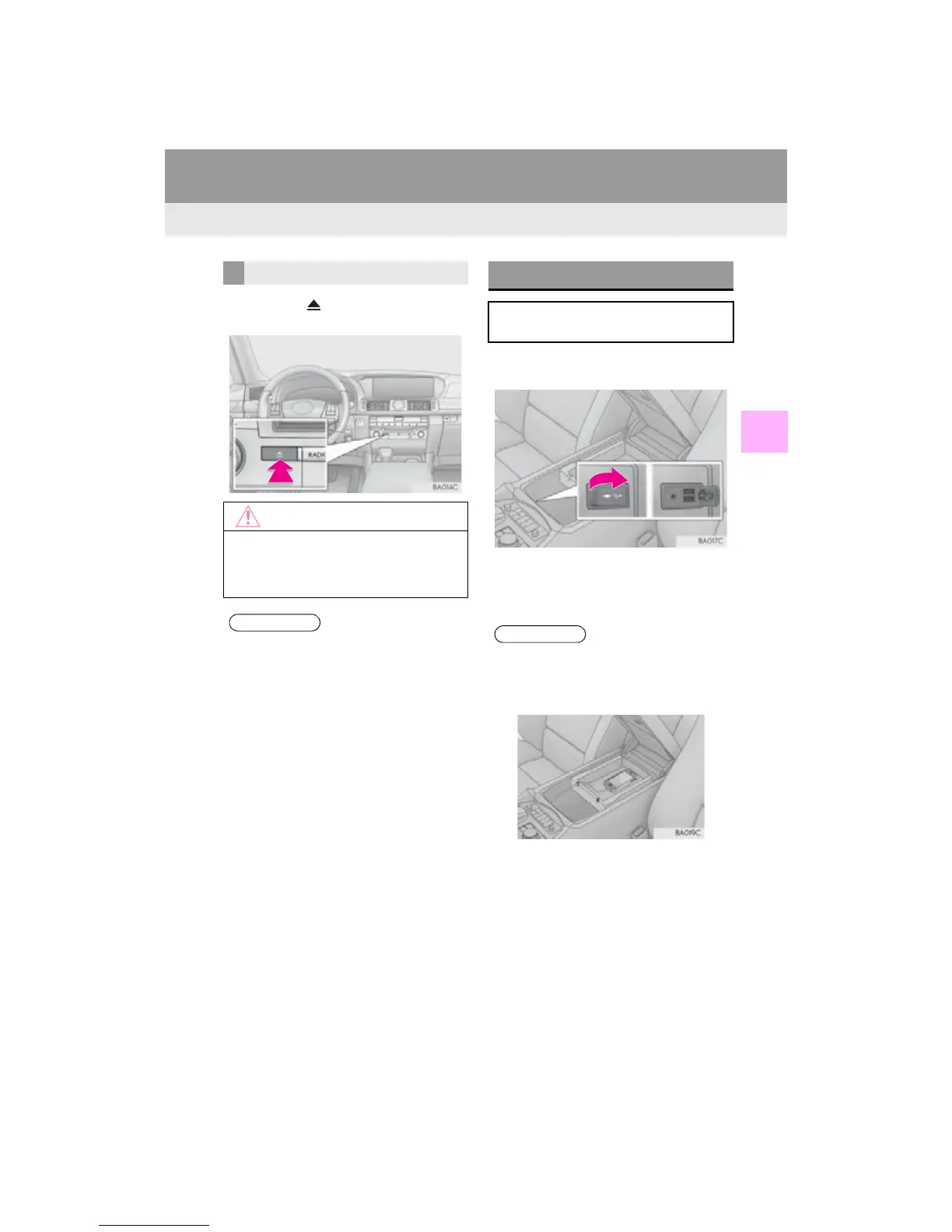
1 Press the button and remove the
disc.
1 Open the console box, then open the
cover and connect a USB memory.
Turn on the power of the device if it is not
turned on.
2 Close the console box.
EJECTING A DISC
●Never try to disassemble or oil any part of
the DVD player. Do not insert anything
other than a disc into the slot.
●The player is intended for use with 4.7 in.
(12 cm) discs only.
●When inserting a disc, gently insert the
disc with the label facing up.
USB/AUX PORT
There are 2 USB ports and an AUX port
in the console box.
●There are grooves in the tray allowing
audio devices and cellular phones to be
connected to the sockets while they are
on the tray in the console box.
●Up to two portable players can be con-
nected to the USB port at the same time.












 To Next Page