173
2. RADIO OPERATION
LS460_600h_Navi_U
AUDIO/VISUAL SYSTEM
4
If “Ch 000” is selected using the
“TUNE·SCROLL” knob, the ID code,
which is 8 alphanumeric characters, will be
displayed. If another channel is selected,
the ID code will no longer be displayed.
The channel (000) alternates between dis-
playing the radio ID and the specific radio
code.
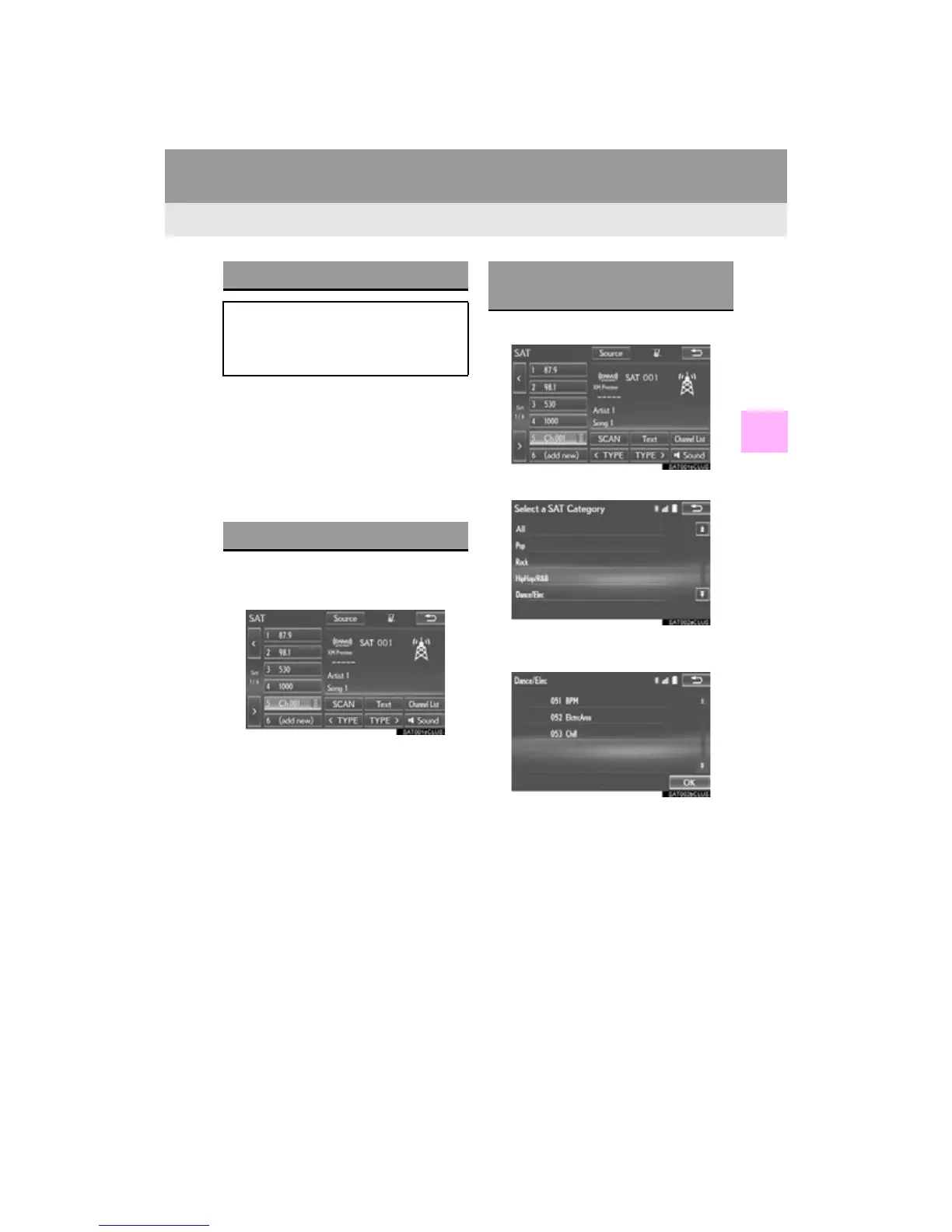
1 Tune in the desired channel.
2 Select “add new”.
To change the preset channel to a different
one, select and hold the preset station/
channel.
3 Select “Yes” on the confirmation screen.
4 Select “OK” after setting the new preset
channel.
1 Select “Channel List”.
2 Select the desired program type.
3 Select the desired channel and select
“OK”.
DISPLAYING THE RADIO ID
Each XM tuner is identified with a
unique radio ID. The radio ID is required
when activating an XM service or when
reporting a problem.
PRESETTING A CHANNEL
SELECTING A CHANNEL
FROM THE LIST












 To Next Page