93
LS460_600h_Navi_U
NAVIGATION SYSTEM
3
2. DESTINATION SEARCH
1. DESTINATION SEARCH SCREEN
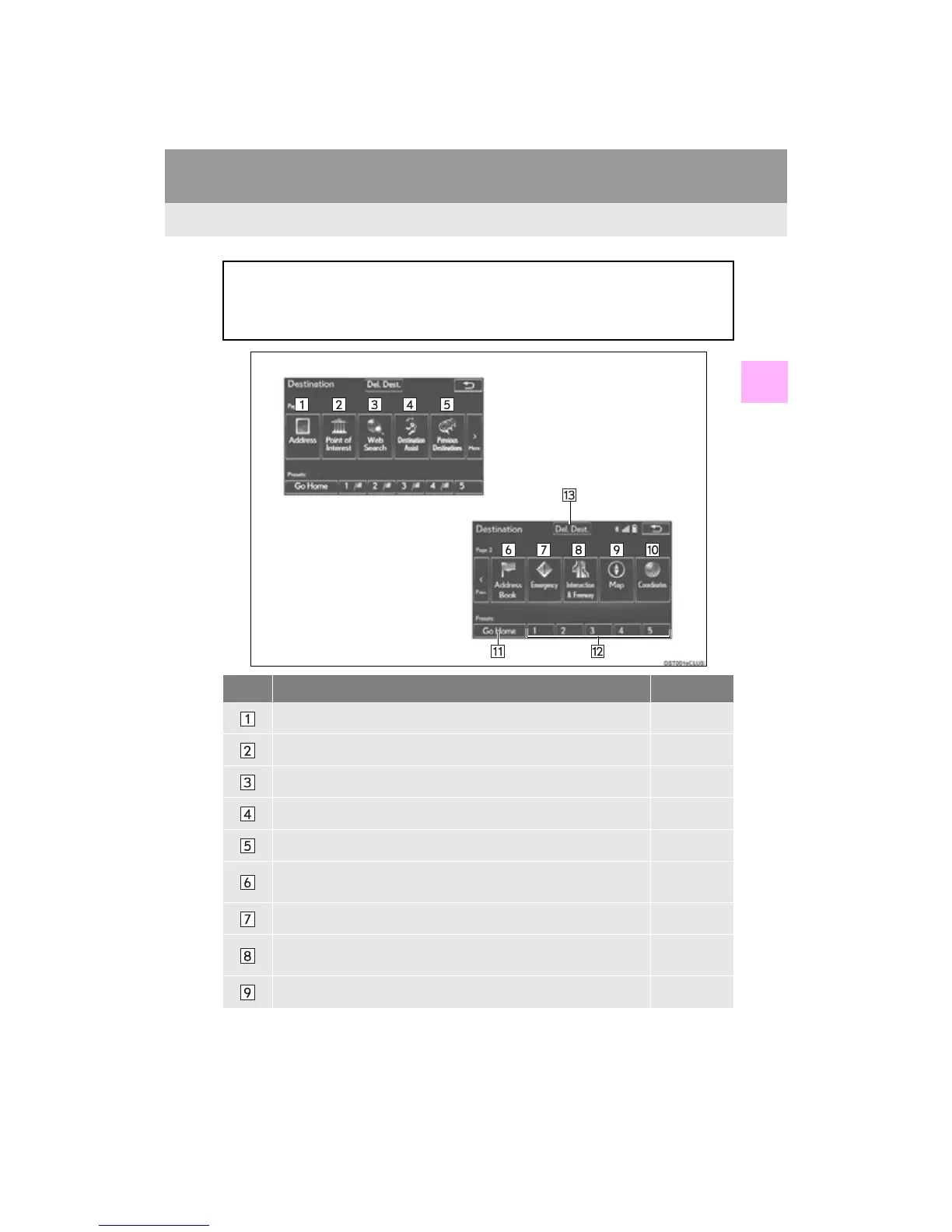
To display the “Destination” screen, press the “MENU” button on the Remote Touch,
and select “Destination”.
The “Destination” screen can also be displayed by selecting “Dest.” on the map screen.
(P. 74)
No. Function Page
Select to search for a destination by address. 97
Select to search for a destination by point of interest. 98
Select to search for a destination by online database. 420
Select to search for a destination via the Lexus response center. 425
Select to search for a destination from previously set destinations. 102
Select to search for a destination from a registered entry in “Address
Book”.
102
Select to search for a destination from emergency service points. 103
Select to search for a destination by intersection or freeway entrance/
exit.
103
Select to search for a destination by the last displayed map. 105












 To Next Page