76
1. BASIC OPERATION
LS460_600h_Navi_U
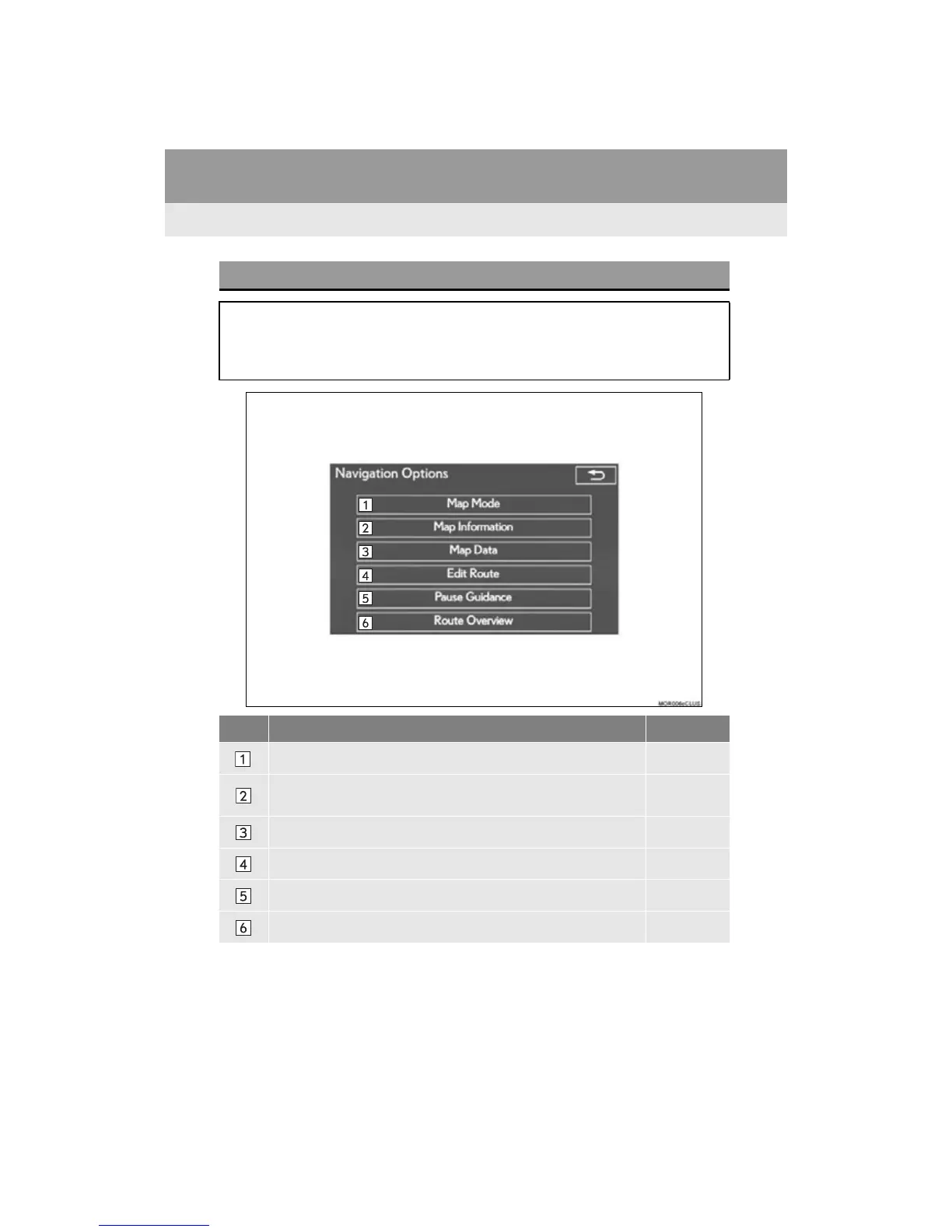
NAVIGATION OPTIONS SCREEN
The navigation options allow you to change map configurations, display/hide POI
icons, and edit the navigation routes.
To display the “Navigation Options” screen, press the “MAP/VOICE” button on the
Remote Touch, and select “Options”.
No. Function Page
Select to display the desired map configuration. 81
Select to set display of the map information such as POI icons, route
trace, speed limit, etc.
85
Select to display the map version and coverage area. 143
Select to edit the set route. 117
Select to pause or resume route guidance. 109
Select to display the overview of the entire route. 112












 To Next Page