396
2. SETUP
LS460_600h_Navi_U
1 Display the phone top screen.
(P. 367)
2 Select “Settings”.
3 Select “Messaging Settings”.
1 Display the “Phone/Message Settings”
screen. (P. 383)
2 Select “Phone Display Settings”.
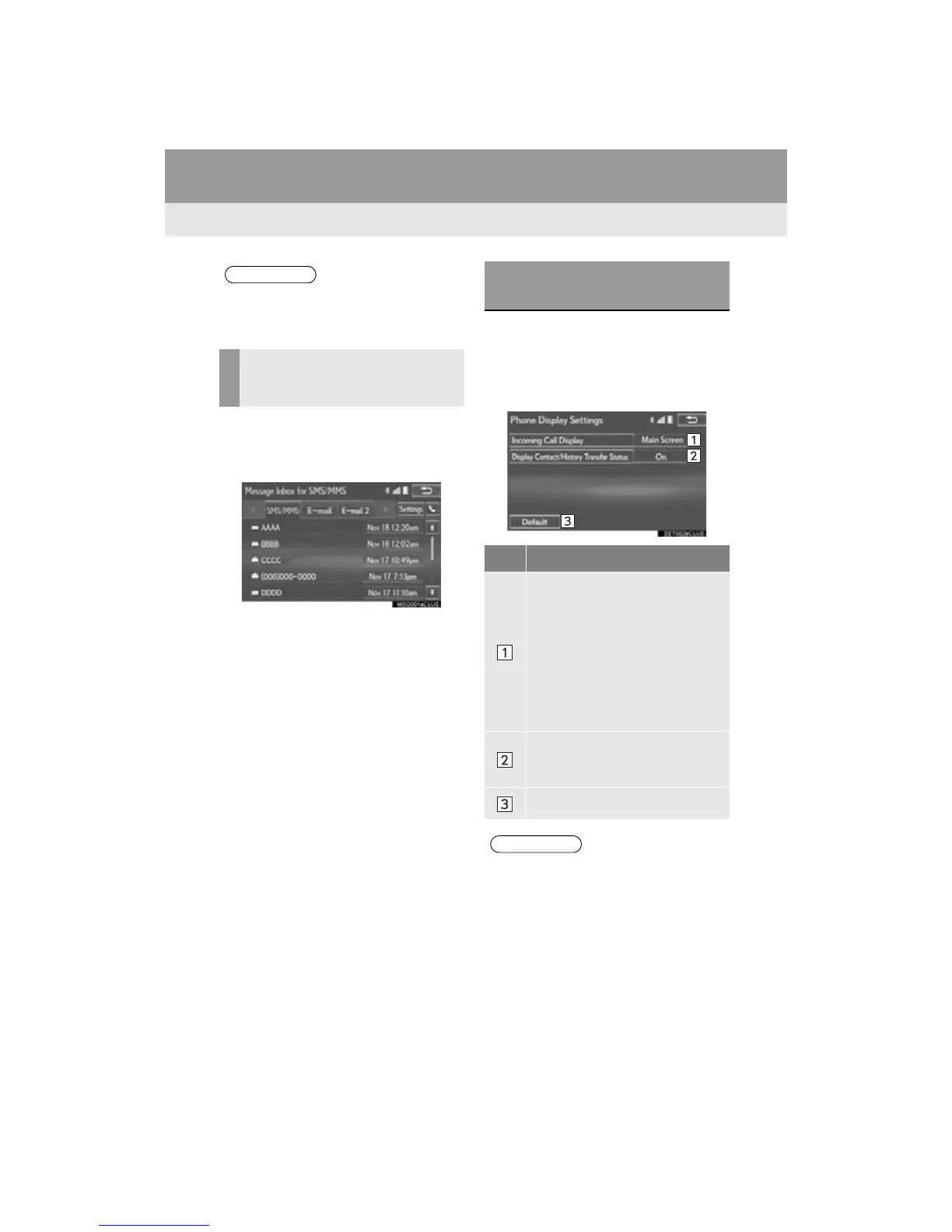
3 Select the desired item to be set.
●Depending on the phone, these functions
may not be available.
DISPLAYING THE “Messaging
Settings” SCREEN IN A
DIFFERENT WAY
“Phone Display Settings”
SCREEN
No. Function
Select to change where the screen is
displayed between the “Main Dis-
play” and “Side Display”.
“Main Screen”: Select to display and
operate the screen on the “Main Dis-
play”.
“Side Screen”: Select to display and
operate the screen on the “Side Dis-
play”. For details of the screen:
P. 442
Select to set display of the contact/
history transfer completion message
on/off.
Select to reset all setup items.












 To Next Page