128
4. MEMORY POINTS
LS460_600h_Navi_U
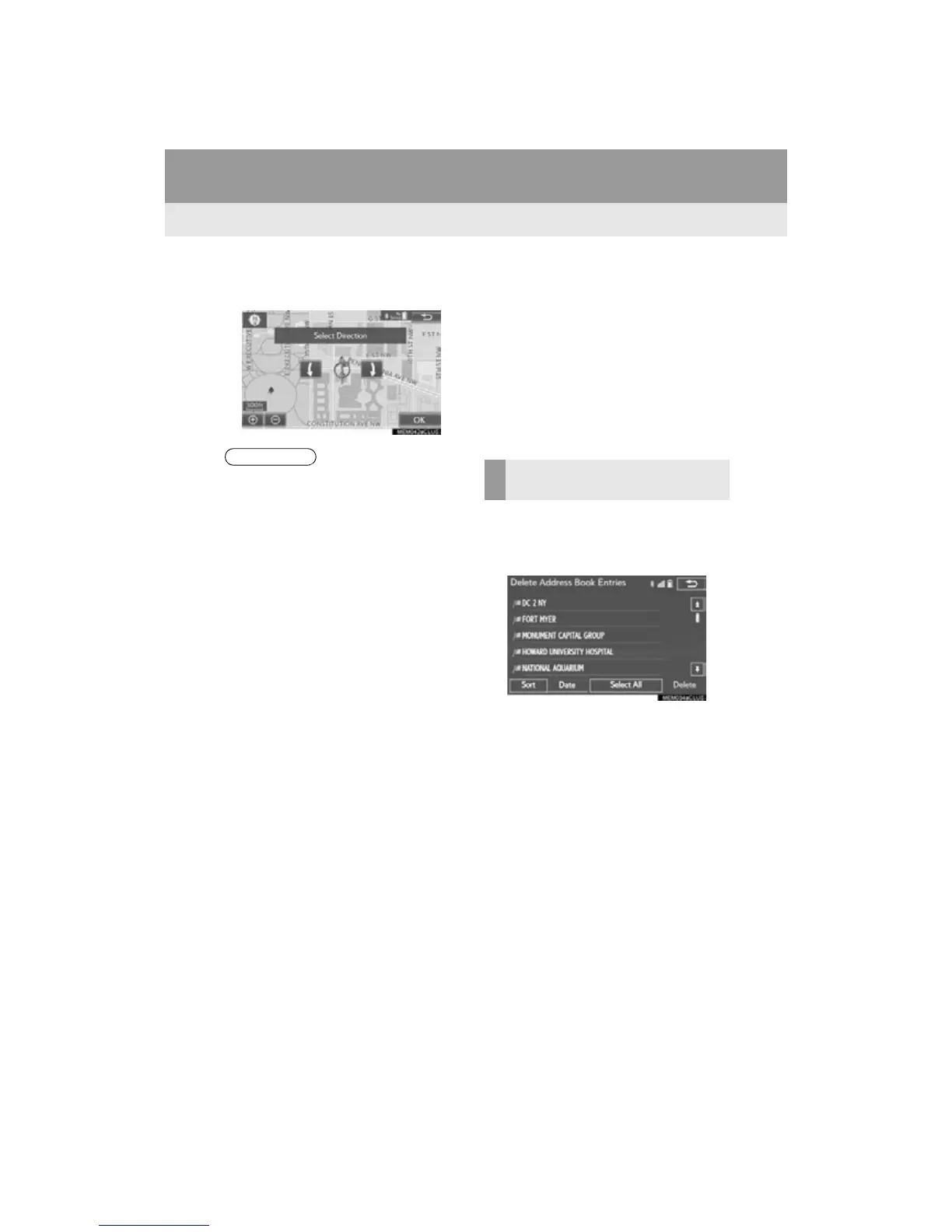
When “Bell (with Direction)” is selected,
select an arrow to adjust the direction and
select “OK”.
■ CHANGING THE NAME
1 Select “Edit” next to “Name”.
2 Enter a name and select “OK”.
■ CHANGING THE LOCATION
1 Select “Edit” next to “Location”.
2 Scroll the map to the desired point (P.
84) and select “OK”.
■ CHANGING PHONE NUMBER
1 Select “Edit” next to “Phone #”.
2 Enter the phone number and select
“OK”.
1 Select “Delete”.
2 Select the item to be deleted and select
“Delete”.
3 Select “Yes” when the confirmation
screen appears.












 To Next Page