130
4. MEMORY POINTS
LS460_600h_Navi_U
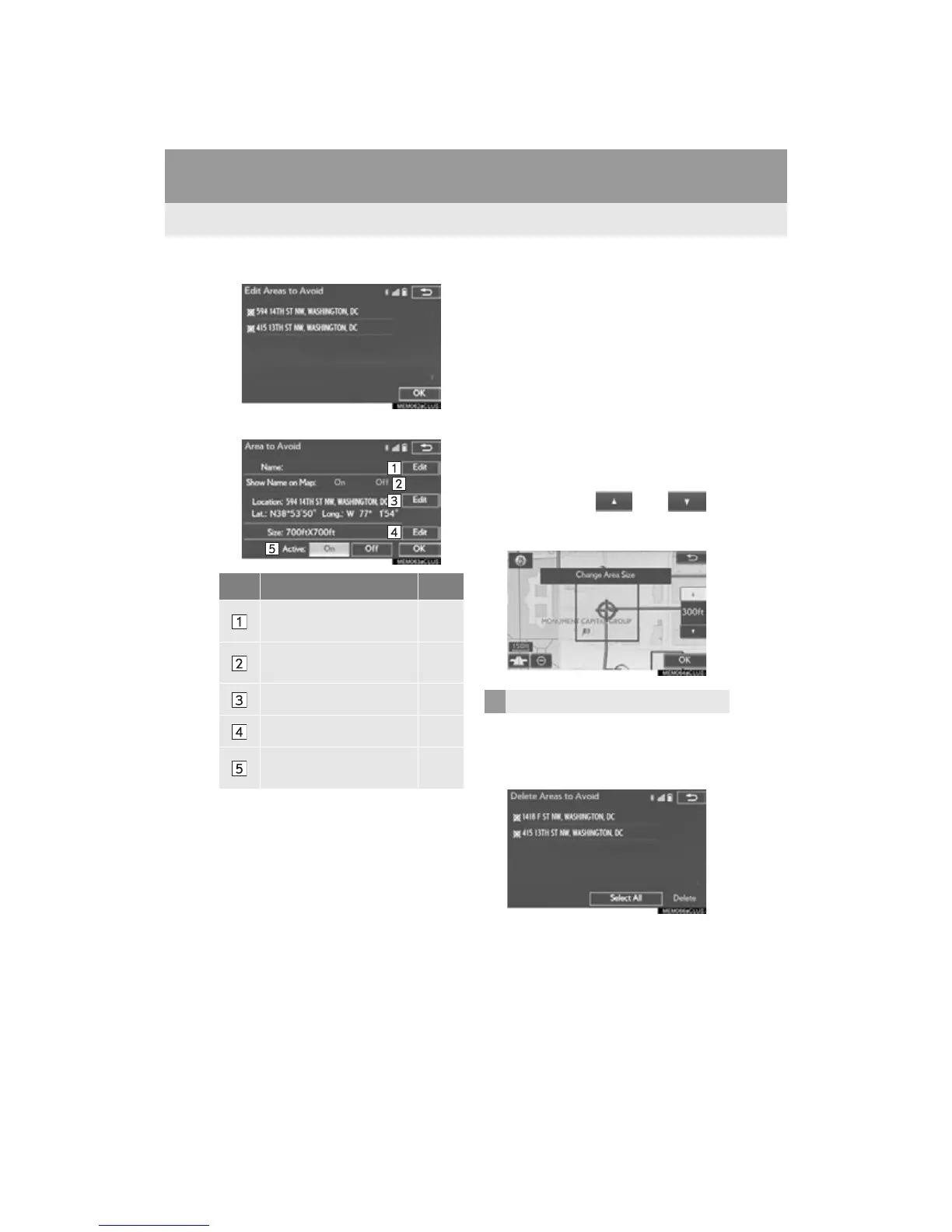
2 Select the area and select “OK”.
3 Select the item to be edited.
4 Select “OK”.
■ CHANGING THE NAME
1 Select “Edit” next to “Name”.
2 Enter a name and select “OK”.
■ CHANGING THE LOCATION
1 Select “Edit” next to “Location”.
2 Scroll the map to the desired point (P.
84) and select “OK”.
■ CHANGING THE AREA SIZE
1 Select “Edit” next to “Size”.
2 Select either or to
change the size of the area to be avoid-
ed and select “OK”.
1 Select “Delete”.
2 Select the area to be deleted and select
“Delete”.
3 Select “Yes” when the confirmation
screen appears.
No. Function Page
Select to edit the name of
the area to avoid.
130
Select to set display of the
area to avoid name on/off.
Select to edit area location. 130
Select to edit area size. 130
Select to set the area to
avoid function on/off.
DELETING AREAS TO AVOID












 To Next Page