192
3. MEDIA OPERATION
LS460_600h_Navi_U
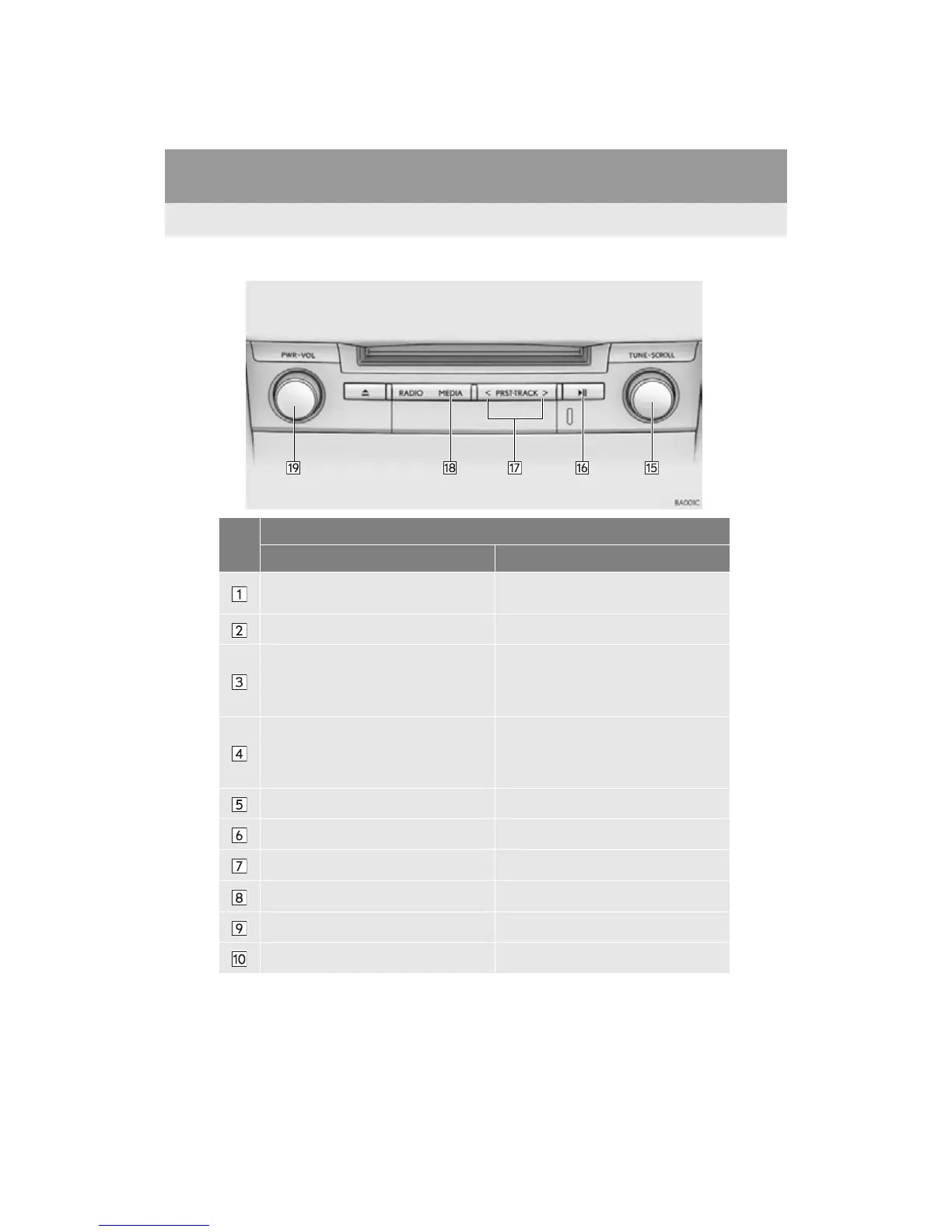
■ CONTROL PANEL
No.
Function
Audio Video
Select to display the audio source selection
screen.
Select to display the audio source selection
screen.
Select to select a track.
Displays cover art
Select to display a track list.
To return to the top screen, select “Now
Playing” on the list screen.
Select to display the play mode selection
screen.
To return to the top screen, select “Now
Playing” on the list screen.
Select to display the play mode selection
screen.
To return to the top screen, select “Now
Playing” on the list screen.
Select to display the sound setting screen. Select to display the sound setting screen.
Select to display the audio settings screen.
Select to set random playback.
Select to set repeat playback.
Shows progress Shows progress
Select to play/pause. Select to play/pause.












 To Next Page