240
7. REAR SEAT ENTERTAINMENT SYSTEM FEATURES
LS460_600h_Navi_U
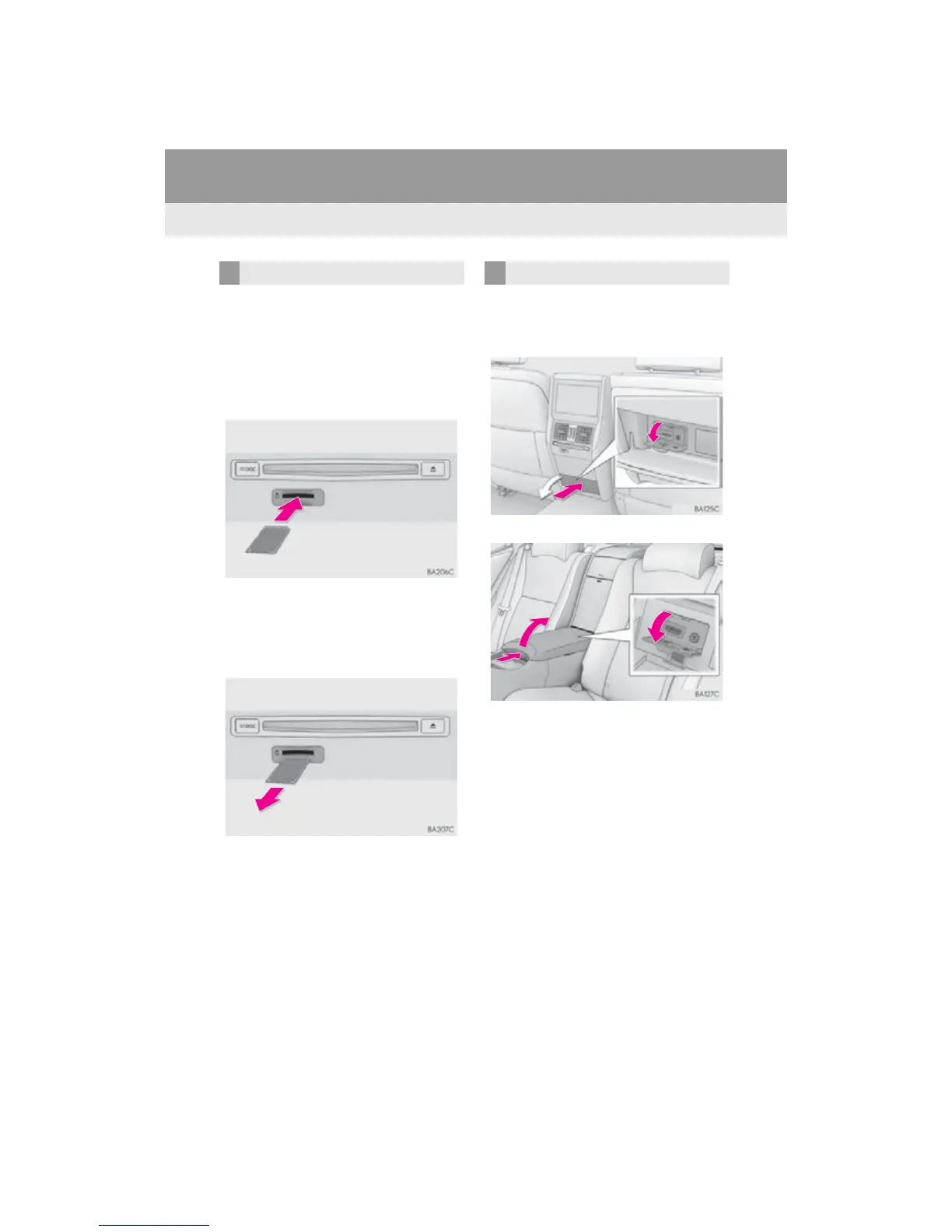
■ INSERTING AN SD CARD
1 Insert the SD card with the label side up,
positioning the cut off corner to the
right.
2 After inserting the SD card, push it
straight in until you hear a click.
■ EJECTING AN SD CARD
1 Push on the center of the SD card.
2 When it is ejected slightly, pull it straight
out.
1 Open the cover and connect audio/vi-
sual equipment to the A/V input port.
5-seat models
4-seat models
SD CARD SLOT A/V INPUT PORT












 To Next Page