264
8. REAR SEAT ENTERTAINMENT SYSTEM OPERATION
LS460_600h_Navi_U
1 Select “Pop-up Menu”.
2 Select the menu item using the , ,
or on the “ENT” button, and press
the “ENT” button.
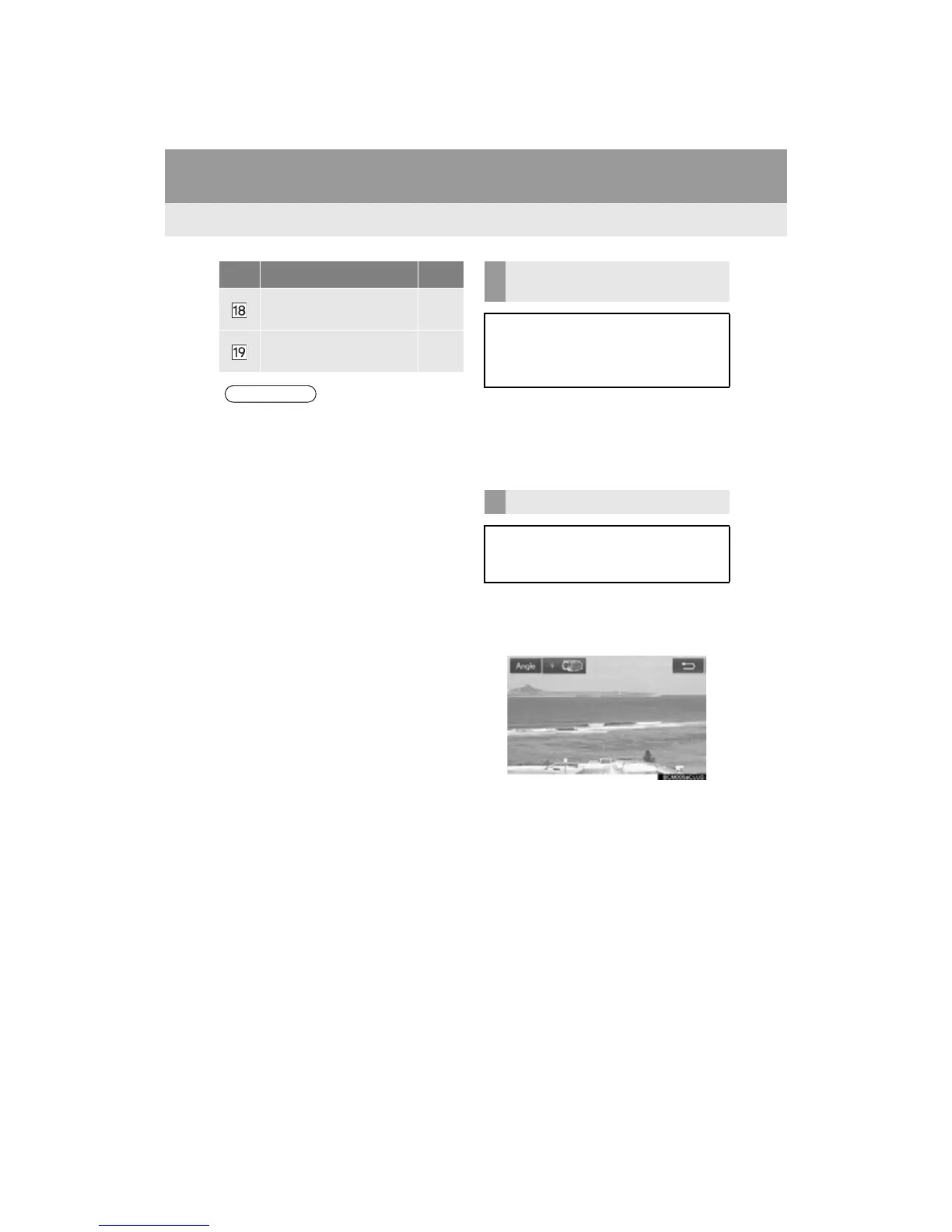
1 Select “A n g l e ” .
2 Each time “A n g l e ” is selected, the angle
changes.
The angles available are restricted to those
available on the BD disc.
Select to display the 10 key
pad.
266
Select to display the color
key buttons.
266
● Depending on the disc, some buttons
may not be displayed on the screen.
No. Function Page DISPLAYING THE POP-UP
MENU
Some BD-Video discs have a pop-up
navigation menu that can be called up
and be operated on the screen without
interrupting playback.
CHANGING THE ANGLE
The angle can be changed for discs that
are multi-angle compatible when the an-
gle mark appears on the screen.












 To Next Page