293
9. SETUP FOR REAR SEAT ENTERTAINMENT SYSTEM
LS460_600h_Navi_U
AUDIO/VISUAL SYSTEM
4
1 Display the settings screen. (P.292)
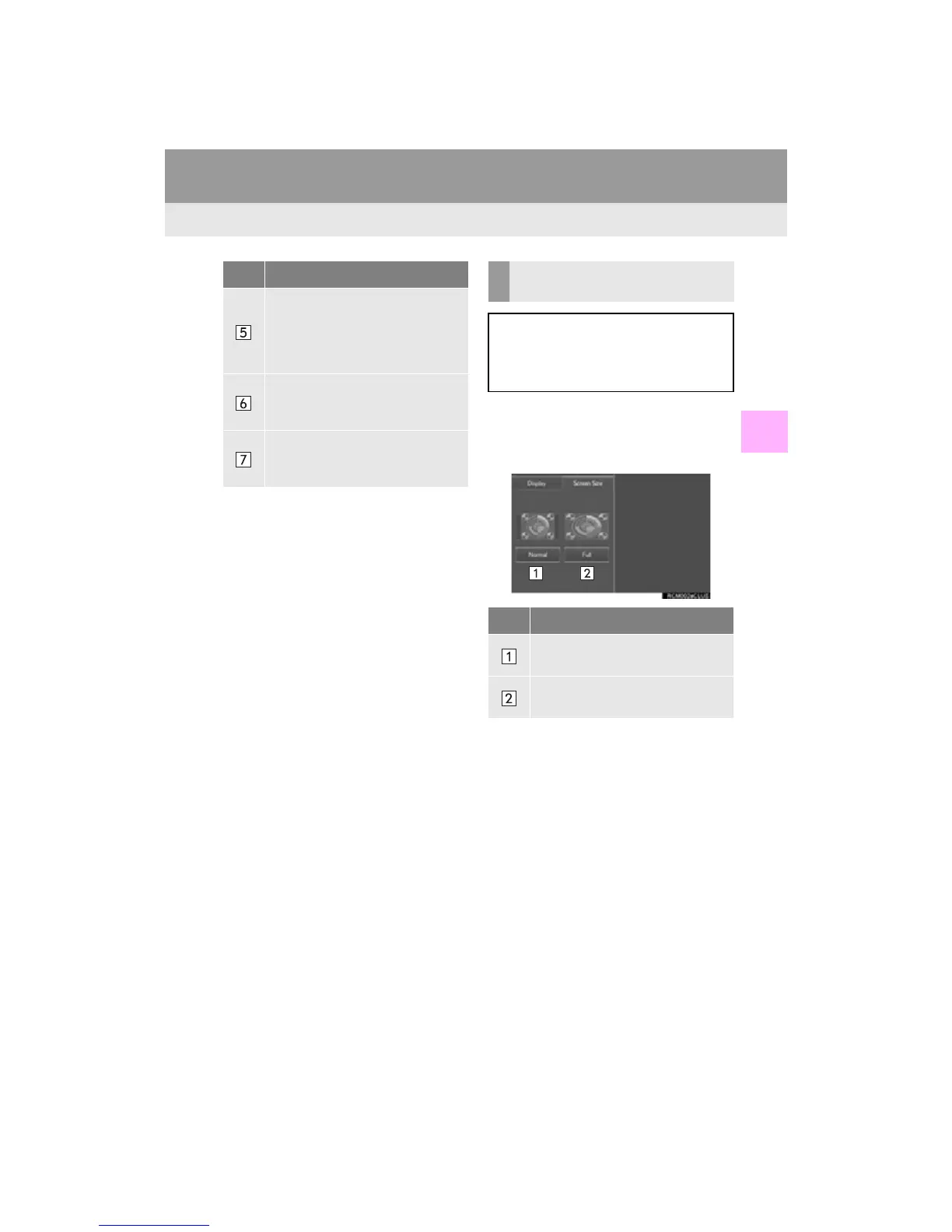
2 Select the “Screen Size” tab.
3 Select the desired screen size.
Select to turn on/off the “LCD AI”.
The “LCD AI” automatically deter-
mines the tone of the video image
and sets the contrast to an optimum
level, displaying a sharp image.
Select to turn the display off (with
rear console display).
To turn it on, press any button.
Select to switch between NTSC/
PAL input format. (PAL: indicator
on, NTSC: indicator off)
No. Function CHANGING THE SCREEN
SIZE
The screen size can be changed for
each input mode individually.
Depending on the audio source, some
functions may not be available.
No. Function
Select to display the screen at the
original ratio.
Select to widen the 4:3 aspect
screen horizontally to fill the screen.












 To Next Page