340
1. LEXUS PARKING ASSIST MONITOR
LS460_600h_Navi_U
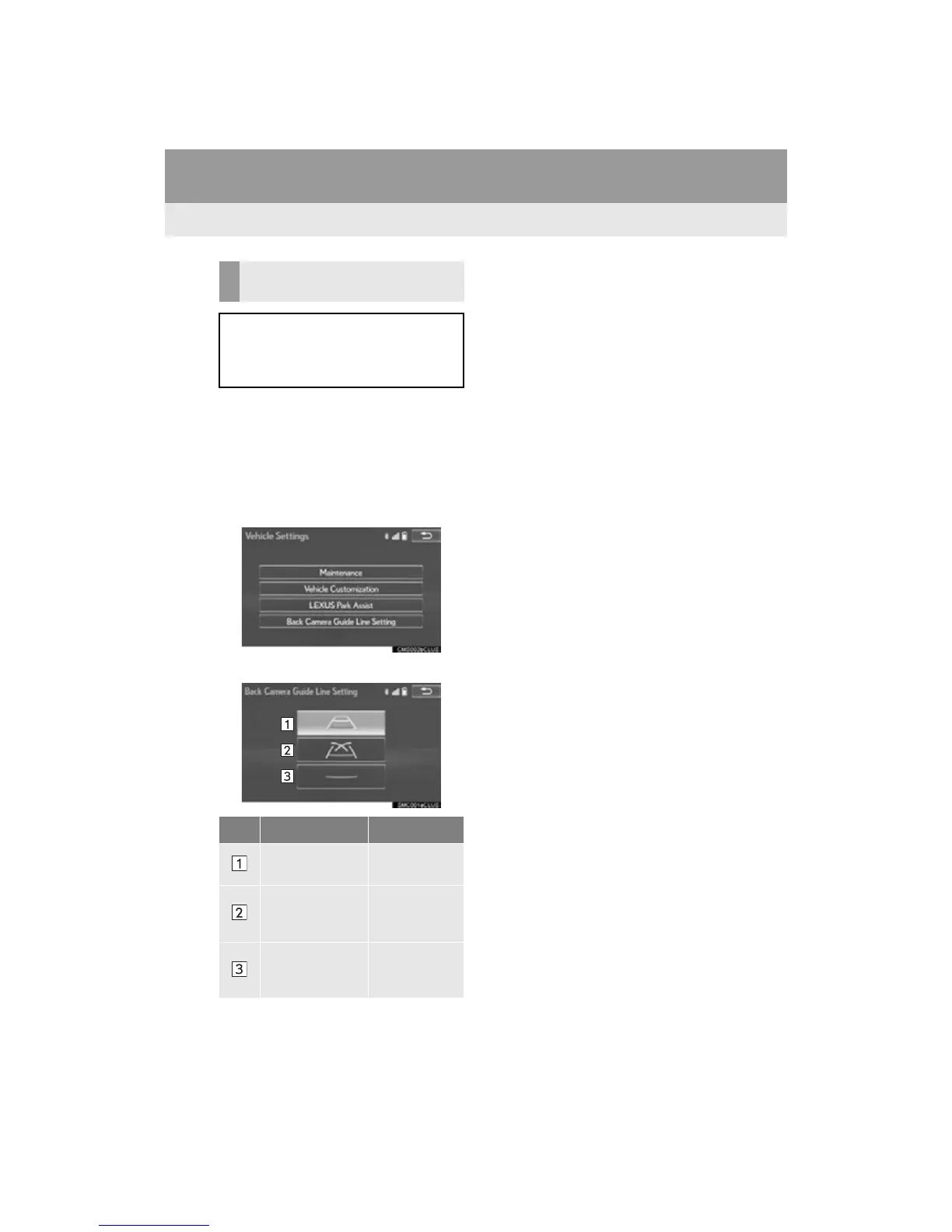
1 Press the “MENU” button on the
Remote Touch.
2 Select “Setup”.
3 Select “Vehicle”.
4 Select “Back Camera Guide Line
Setting”.
5 Select the display mode.
SWITCHING THE DISPLAY
MODE
When the shift lever is in any position
other than the “R” position, the display
mode can be changed in the following
procedure.
No. Name Detail
Estimated course
line display mode
341
Parking assist
guide line display
mode
343
Distance guide
line display mode
Distance guide
lines only are
displayed.












 To Next Page