36
1. BASIC INFORMATION BEFORE OPERATION
LS460_600h_Navi_U
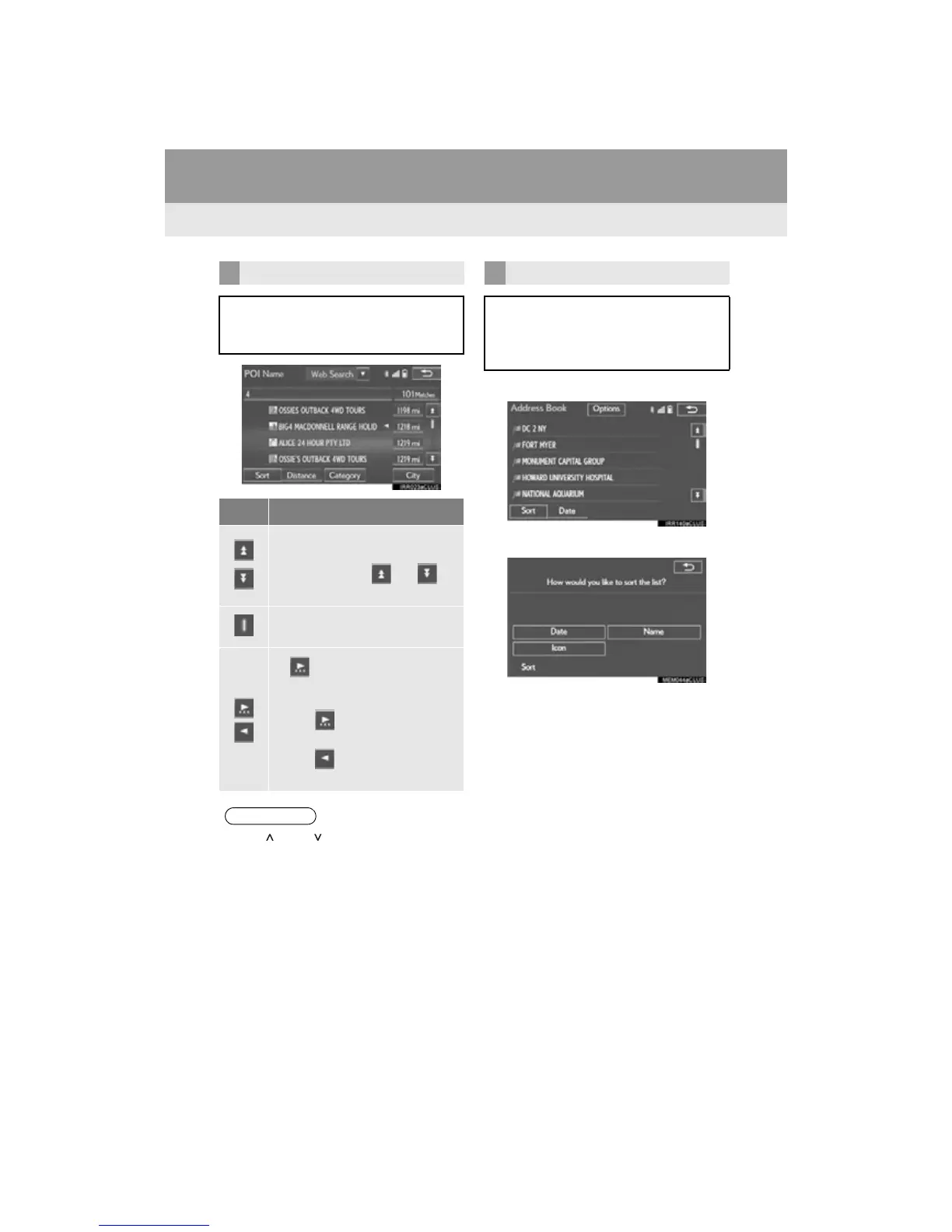
1 Select “Sort”.
2 Select the desired sorting criteria.
LIST SCREEN OPERATION
When a list is displayed, use the appro-
priate screen button to scroll through
the list.
Icon Function
Select to skip to the next or previ-
ous page.
Select and hold or to
scroll through the displayed list.
This indicates the displayed
screen’s position.
If appears to the right of an
item name, the complete name is
too long to display.
Select to scroll to the end of
the name.
Select to move to the begin-
ning of the name.
●The “” and “” buttons on the Remote
Touch can be used to scroll up and down
on list screens.
SORTING*
The order of a list displayed on the
screen can be sorted in the order of dis-
tance from the current location, date,
category, etc.












 To Next Page