388
2. SETUP
LS460_600h_Navi_U
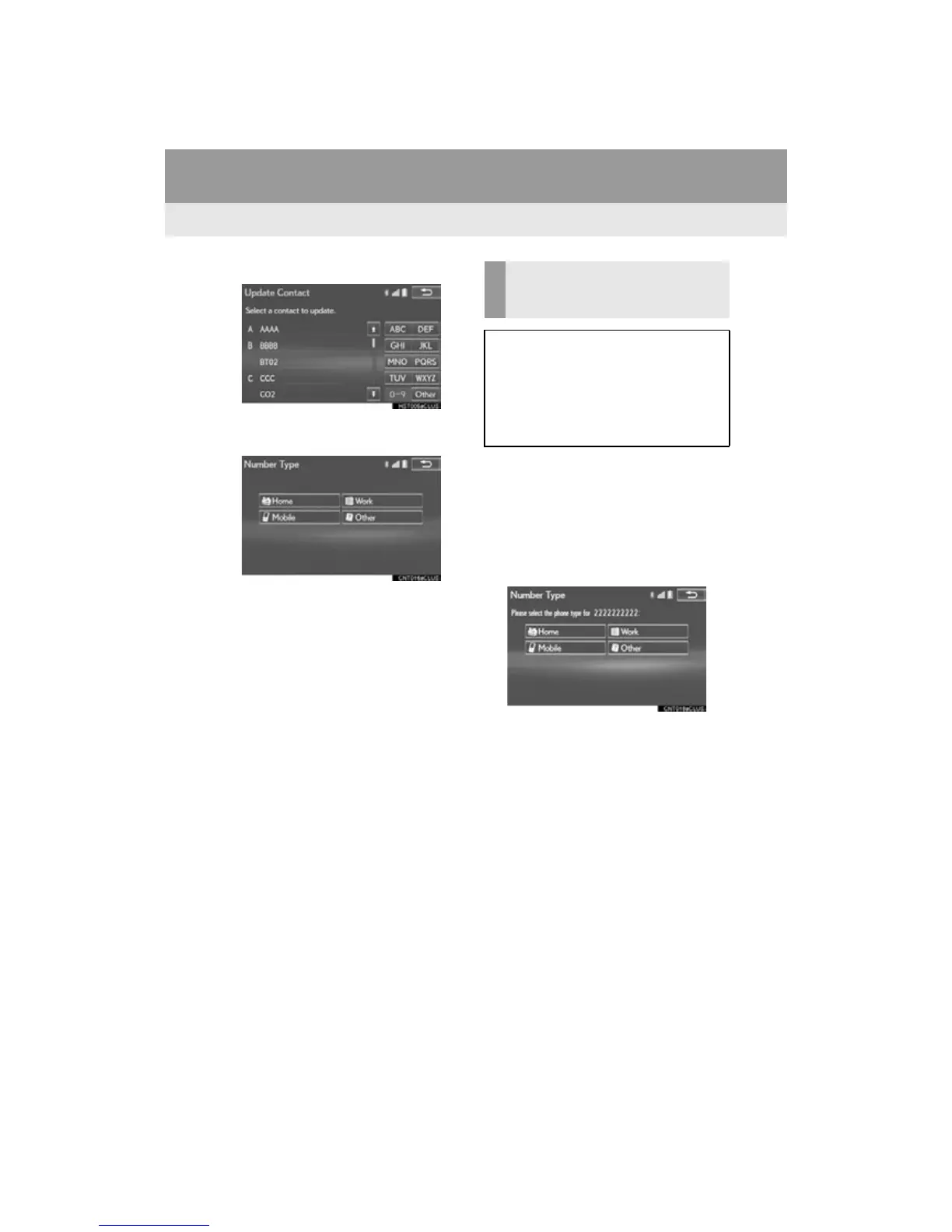
4 Select the desired contact.
5 Select a phone type for the phone num-
ber.
1 Select “New Contact”.
2 Enter the name and select “OK”.
3 Enter the phone number and select
“OK”.
4 Select the phone type for the phone
number.
5 To add another number to this contact,
select “Yes”.
REGISTERING A NEW
CONTACT TO THE CONTACT
LIST
New contact data can be registered.
Up to 4 numbers per person can be reg-
istered. For PBAP compatible
Bluetooth
®
phones, this function is
available when “Automatic Contact/
History Transfer” is set to off. (P. 385)












 To Next Page