392
2. SETUP
LS460_600h_Navi_U
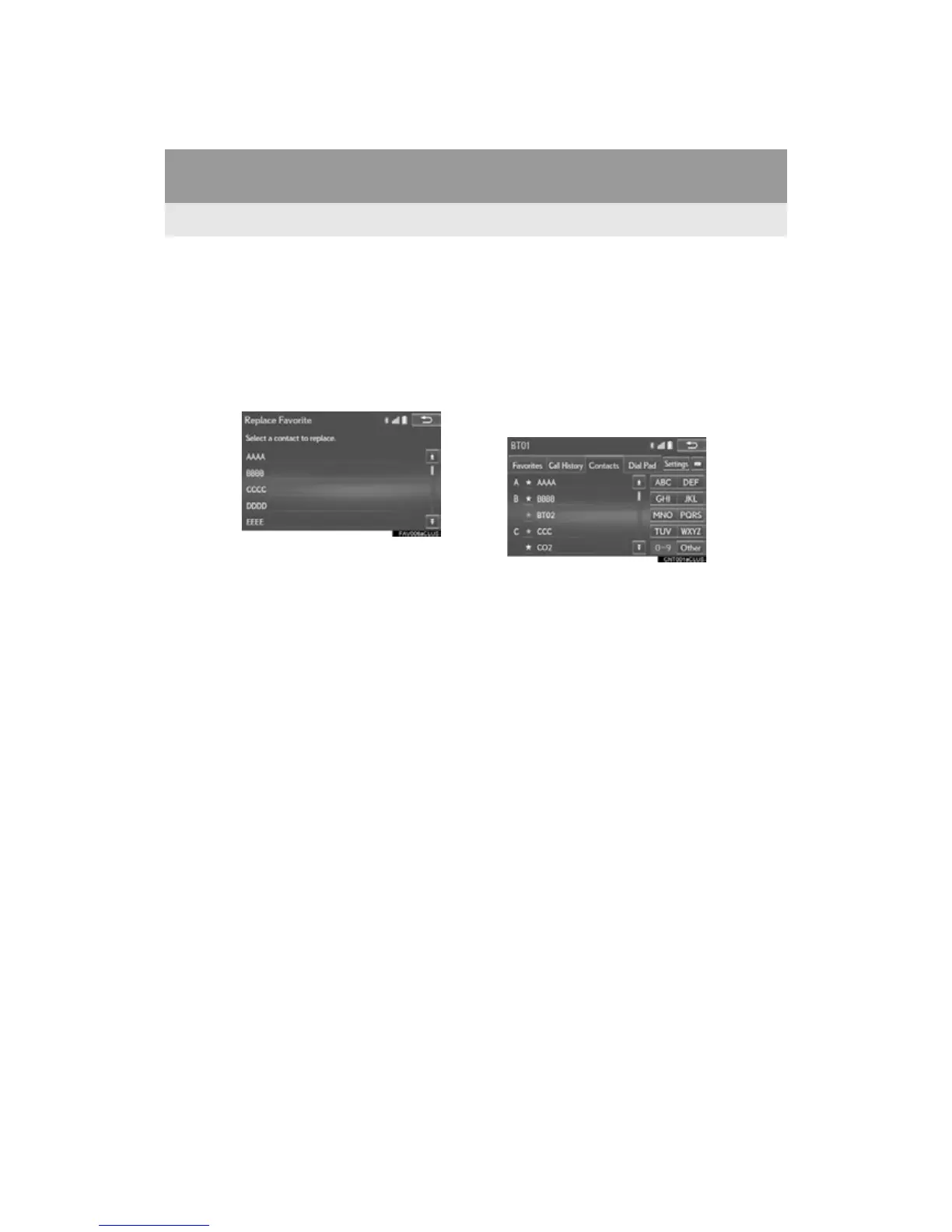
When 15 contacts have already been
registered to the favorites list
1 When 15 contacts have already been
registered to the favorites list, a regis-
tered contact needs to be replaced.
Select “Yes” when the confirmation
screen appears to replace a contact.
2 Select the contact to be replaced.
3 Check that a confirmation screen is dis-
played when the operation is complete.
Registering contacts in the favorites list in
a different way (from the “Contacts”
screen)
1 Display the phone top screen. (P.
367)
2 Select the “Contacts” tab.
3 Select (grey) at the beginning of the
desired contact list name to be regis-
tered in the favorites list.
When selected, (grey) is changed to
(yellow), and the contact is registered in
the favorites list.












 To Next Page