429
2. LEXUS ENFORM OPERATION
LS460_600h_Navi_U
LEXUS ENFORM
9
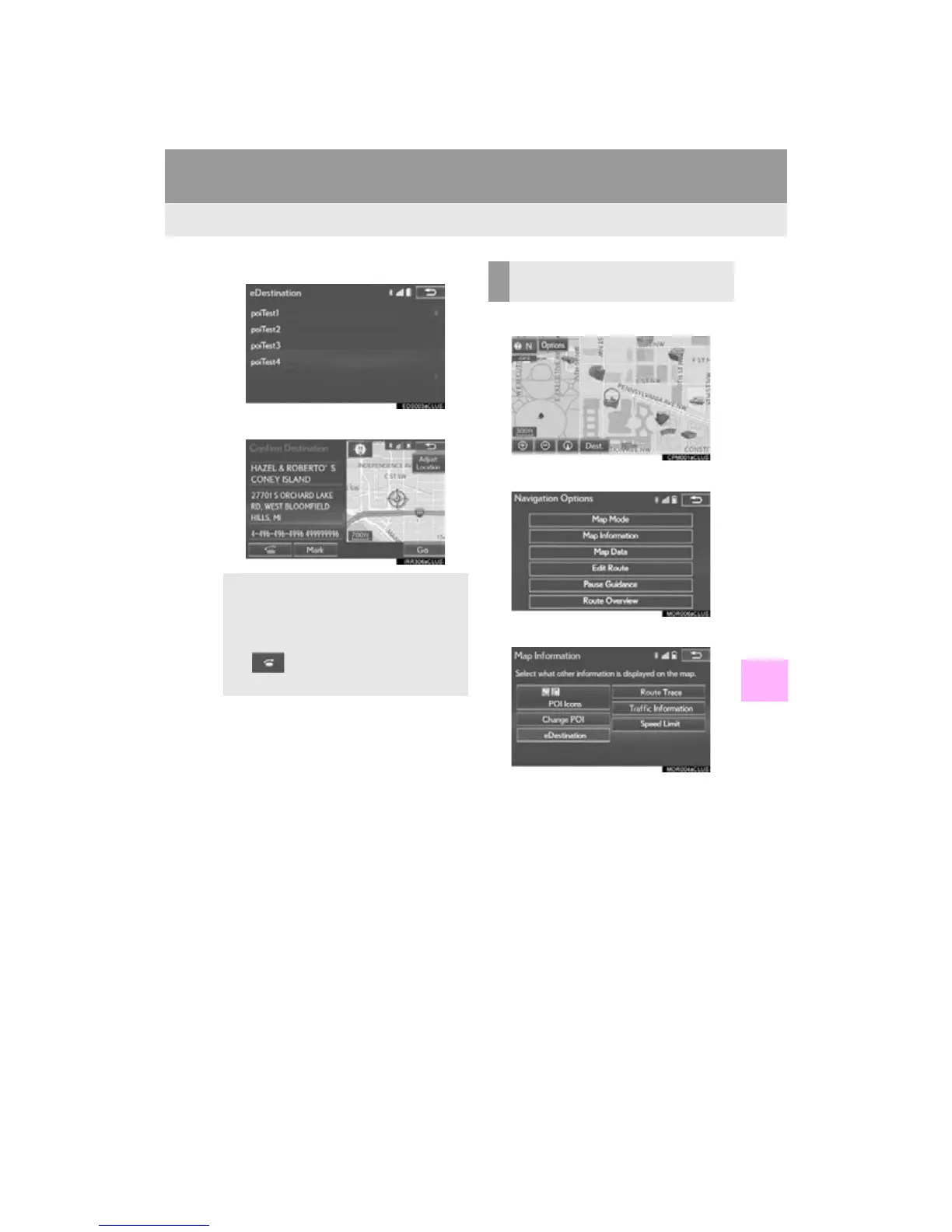
6 Select the desired location.
7 Select the button of the desired action.
1 Select “Options”.
2 Select “Map Information”.
3 Select “eDestination”.
The “eDestination” indicator will illuminate.
“Mark”: Select to mark the POI on the
map screen.
“Go”: Select to set the POI as a destina-
tion with route directions.
If is selected, the registered phone
number can be called.
DISPLAYING eDestination
ICONS












 To Next Page