442
1. 12.3-INCH DISPLAY OPERATION
LS460_600h_Navi_U
Calling on the Bluetooth
®
phone
P.367
Incoming calls
P.373
Incoming call waiting
P.376
Talking on the Bluetooth
®
phone
P.374
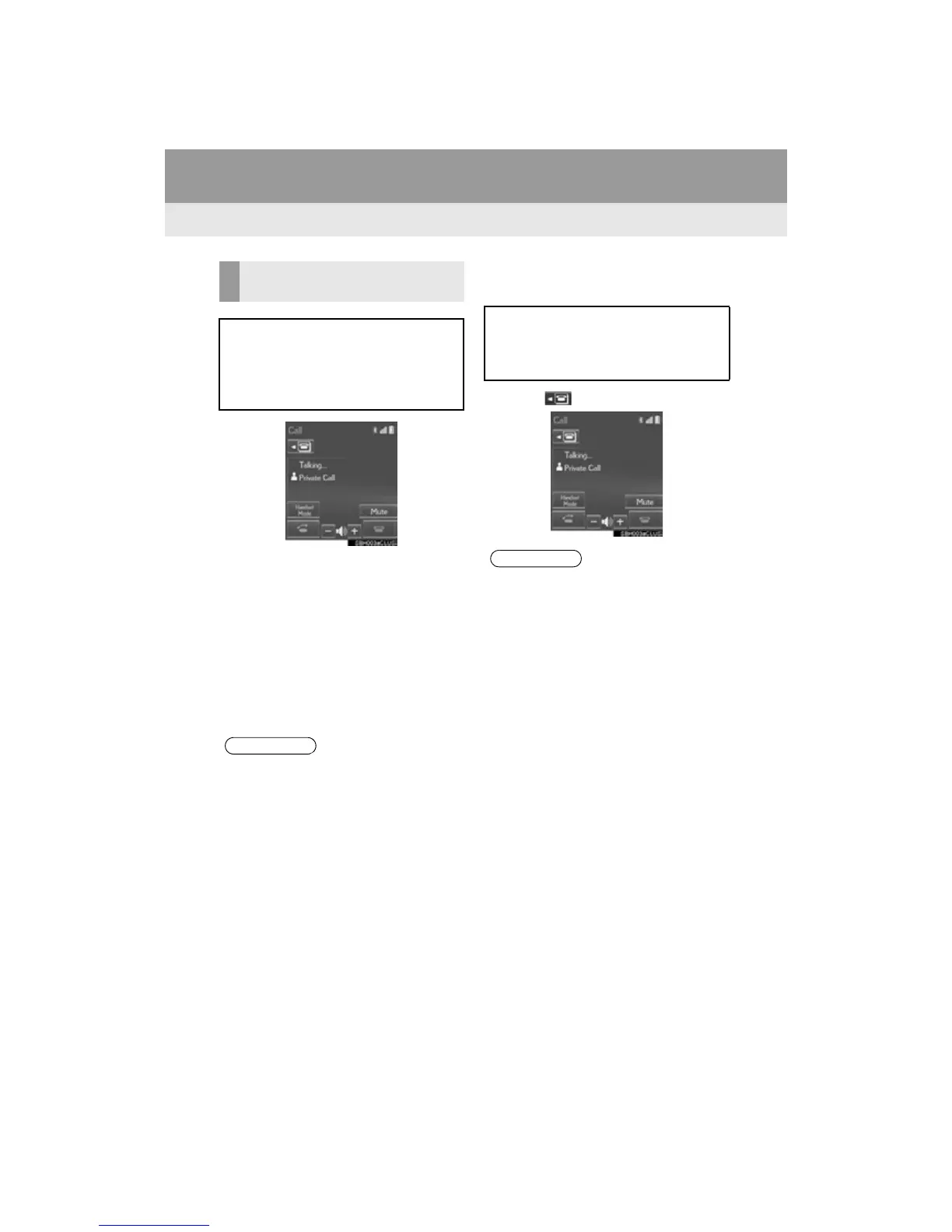
■ DISPLAYING ON THE “Main Dis-
play”
1 Select .
HANDS-FREE SYSTEM
(FOR CELLULAR PHONE)
The following functions can also be dis-
played and operated on the “Side Dis-
play”.
For details about these functions, refer
to the respective section.
●If “Side Display” is selected for any of the
functions above and the function is acti-
vated, the status bar will be displayed on
the “Side Display”. For details about the
status bar: P. 1 6
The screen can be displayed on the
“Main Display” when carrying out an op-
eration that cannot be conducted on the
“Side Display”.
●Operation is still possible using the steer-
ing phone switch even if the phone
screen is hidden behind another interrup-
tion screen. If the operation is conducted
using a steering switch, the phone screen
will automatically be brought to the front.
For details on operating the steering
phone switch and the “Main Display”:
P. 36 2












 To Next Page