56
2. Bluetooth
®
SETTINGS
LS460_600h_Navi_U
1 Select “Bluetooth* Power”.
When “Bluetooth* Power” is on:
The Bluetooth
®
device is automatically
connected when the engine <power> switch
is in ACCESSORY or IGNITION ON
<ON> mode.
When “Bluetooth* Power” is off:
The Bluetooth
®
device is disconnected,
and the system will not connect to it next
time.
1 Select “Bluetooth* Name”.
2 Enter a name and select “OK”.
1 Select “Bluetooth* PIN”.
2 Enter a PIN-code and select “OK”.
*: Bluetooth is a registered trademark of
Bluetooth SIG, Inc.
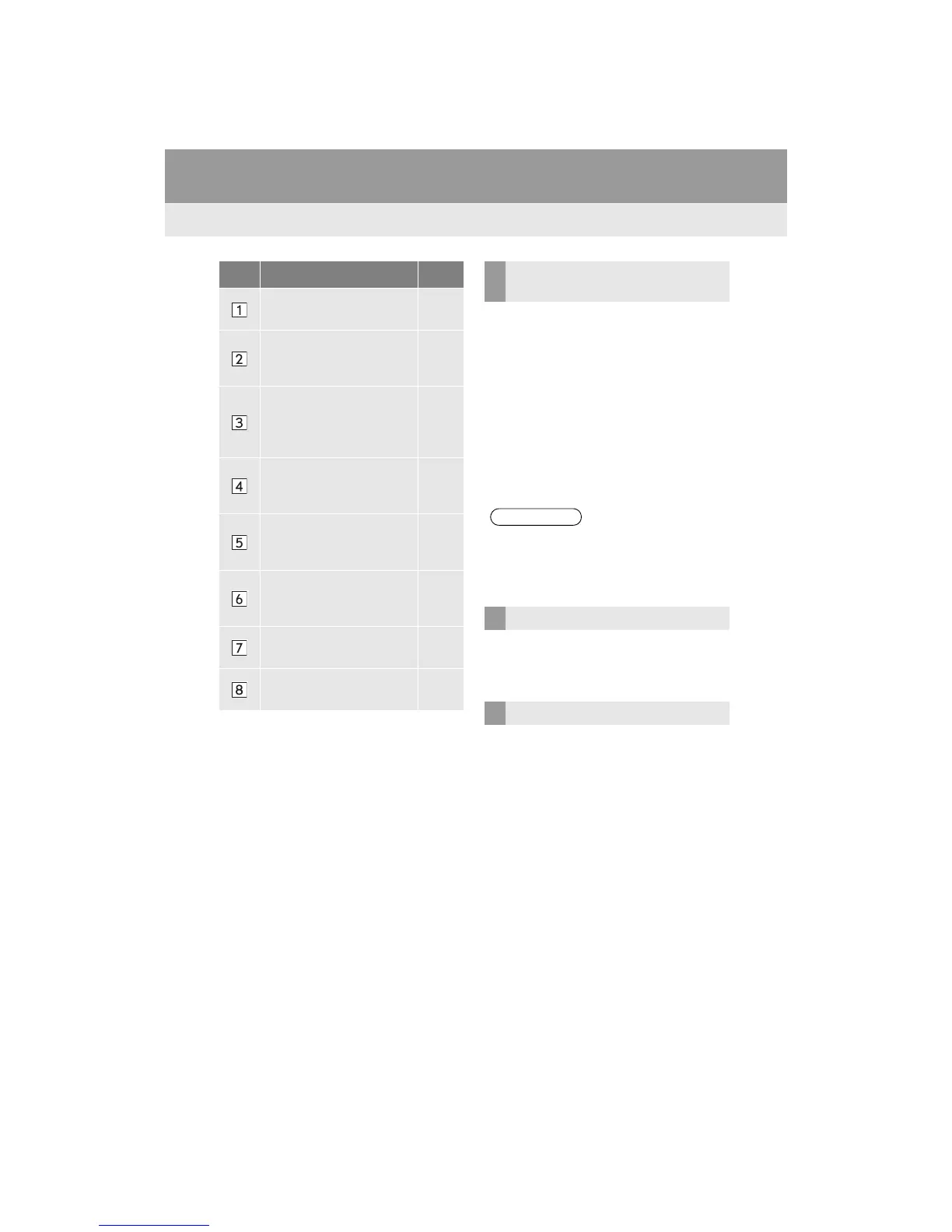
No. Information Page
Select to set Bluetooth
®
connection on/off.
56
Displays system name. Can
be changed to a desired
name.
56
PIN-code used when the
Bluetooth
®
device was
registered. Can be
changed to a desired code.
56
Device address is unique to
the device and cannot be
changed.
Select to set the phone con-
nection status display on/
off.
Select to set the connection
status display of the audio
player on/off.
Compatibility profile of the
system
Select to reset all setup
items.
CHANGING “Bluetooth*
Power”
●While driving, the auto connection state
can be changed from off to on, but can-
not be changed from on to off.
EDITING THE SYSTEM NAME
EDITING THE PIN-CODE












 To Next Page