63
3. OTHER SETTINGS
LS460_600h_Navi_U
BASIC FUNCTION
2
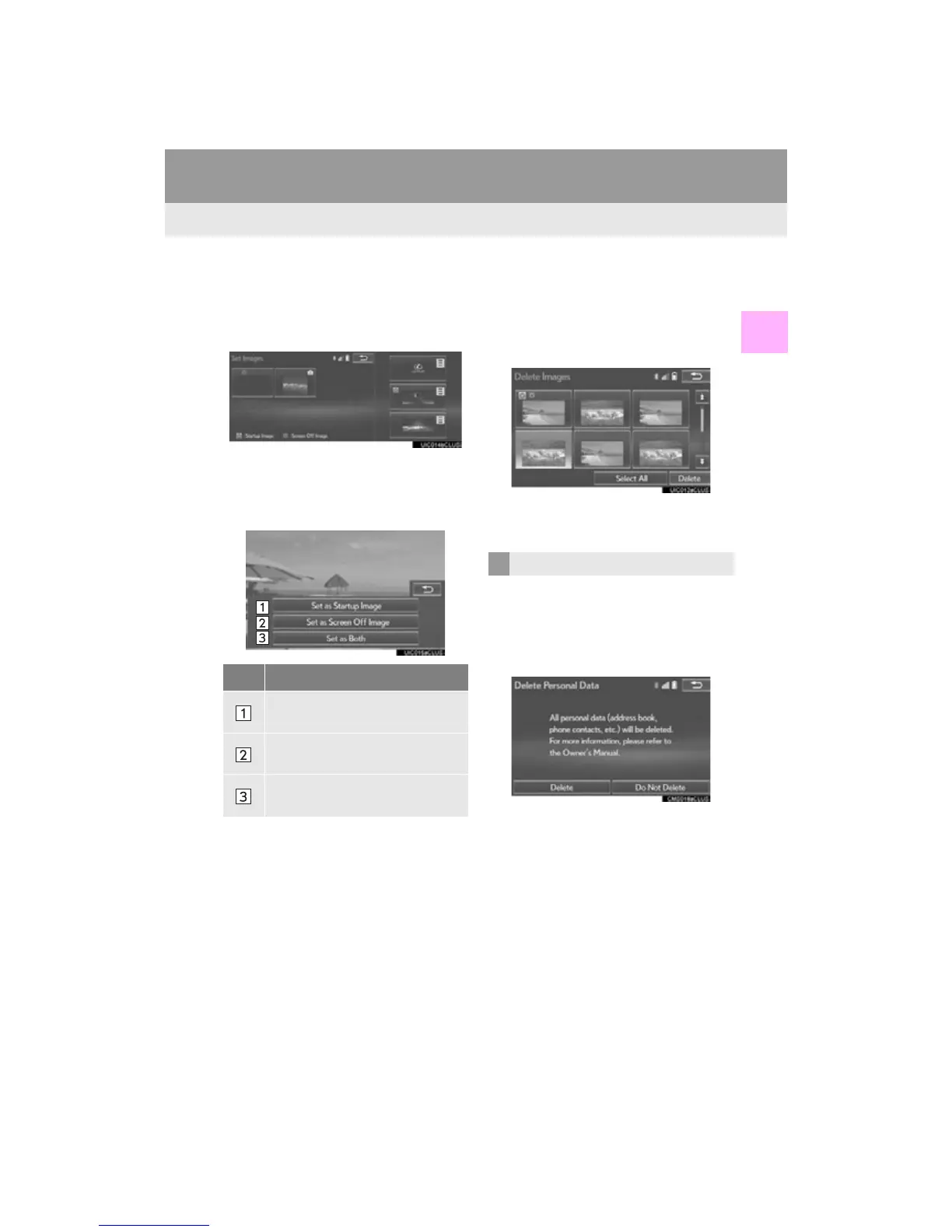
■ SETTING THE STARTUP AND
SCREEN OFF IMAGES
1 Select “Set Images”.
2 Select the desired image.
One of the 3 built-in movies displayed on
the right side of the screen can be set as the
startup image.
3 Select the desired items to be set.
■ DELETING TRANSFERRED IMAG-
ES
1 Select “Delete Images”.
2 Select the images to be deleted and se-
lect “Delete”.
3 Select “Yes” when the confirmation
screen appears.
1 Display the “General Settings” screen.
(P. 57)
2 Select “Delete Personal Data”.
3 Select “Delete”.
No. Function
Select to set an image as the startup
image.
Select to set an image as the screen
off image.
Select to set an image as both the
startup and screen off image.
DELETING PERSONAL DATA












 To Next Page