70
3. OTHER SETTINGS
LS460_600h_Navi_U
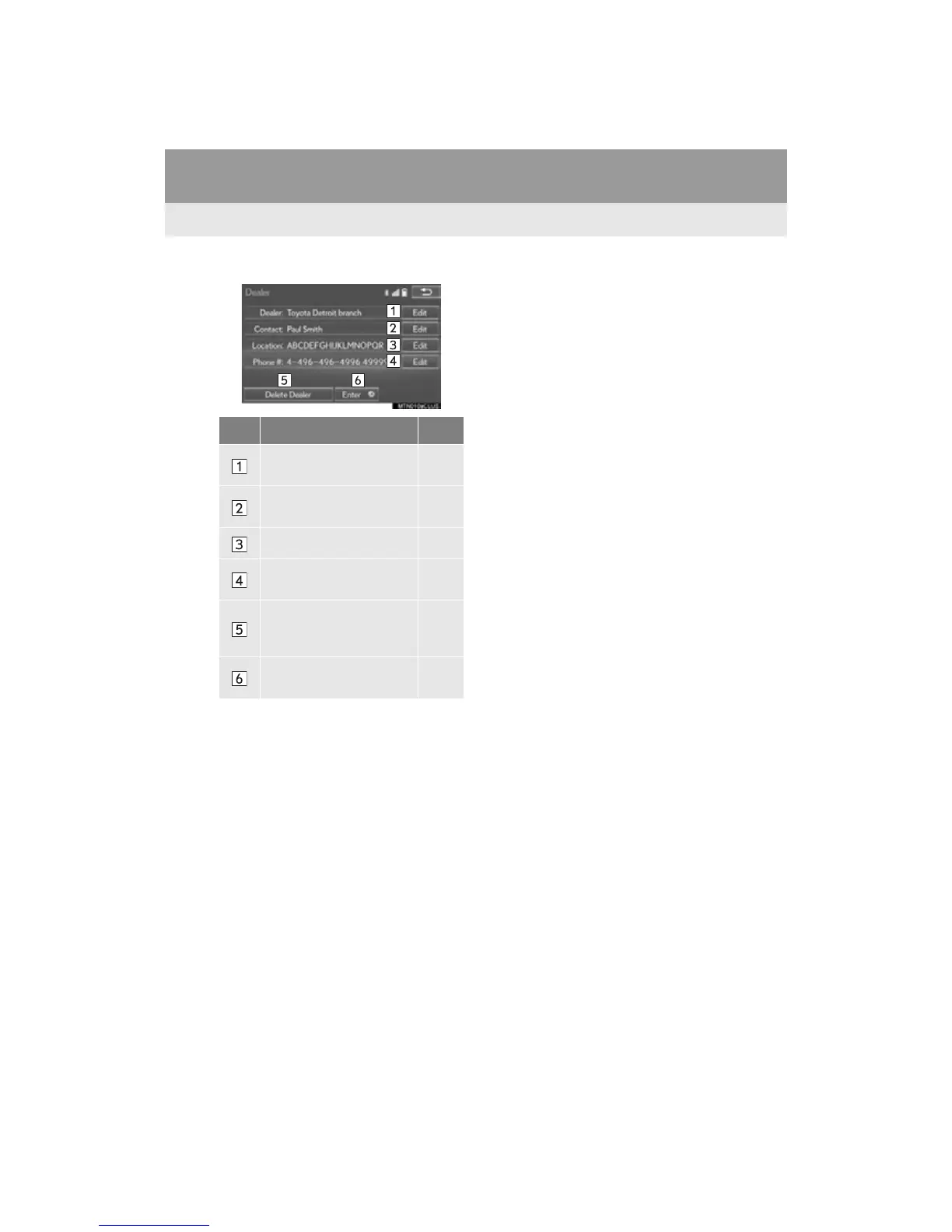
3 Select the items to be edited.
■ EDITING DEALER OR CONTACT
NAME
1 Select “Edit” next to “Dealer” or
“Contact”.
2 Enter the name and select “OK”.
■ EDITING THE LOCATION
1 Select “Edit” next to “Location”.
2 Scroll the map to the desired point (P.
84) and select “OK”.
■ EDITING PHONE NUMBER
1 Select “Edit” next to “Phone #”.
2 Enter the phone number and select
“OK”.
No. Function Page
Select to enter the name of
a dealer.
70
Select to enter the name of
a dealer member.
70
Select to set the location. 70
Select to enter the phone
number.
70
Select to delete the dealer
information displayed on
the screen.
Select to set the displayed
dealer as a destination.
106












 To Next Page