82
1. BASIC OPERATION
LS460_600h_Navi_U
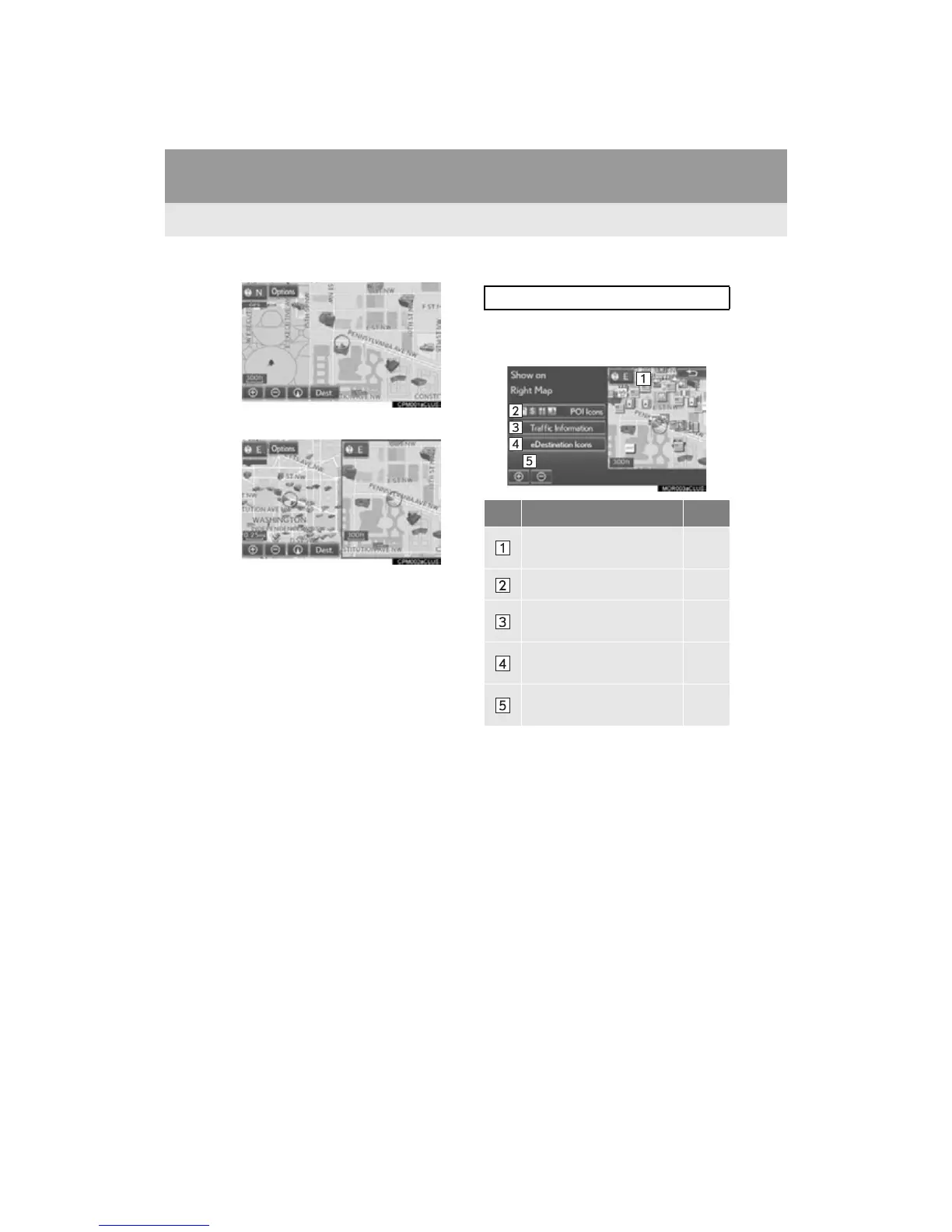
■ MAP ONLY
■ DUAL MAP
The map on the left is the main map.
Editing right map
1 Select any point on the right side map.
2 Select the desired item.
When set to on, the indicator will illuminate.
The right side map can be edited.
No. Function Page
Select to change the orien-
tation of the map.
80
Select to display POI icons. 85
Select to show traffic infor-
mation.
90
Select to display eDestina-
tion icons.
426
Select to change the map
scale.
78












 To Next Page