87
1. BASIC OPERATION
LS460_600h_Navi_U
NAVIGATION SYSTEM
3
3 Check that the selected POI is dis-
played on the map screen. (P. 83)
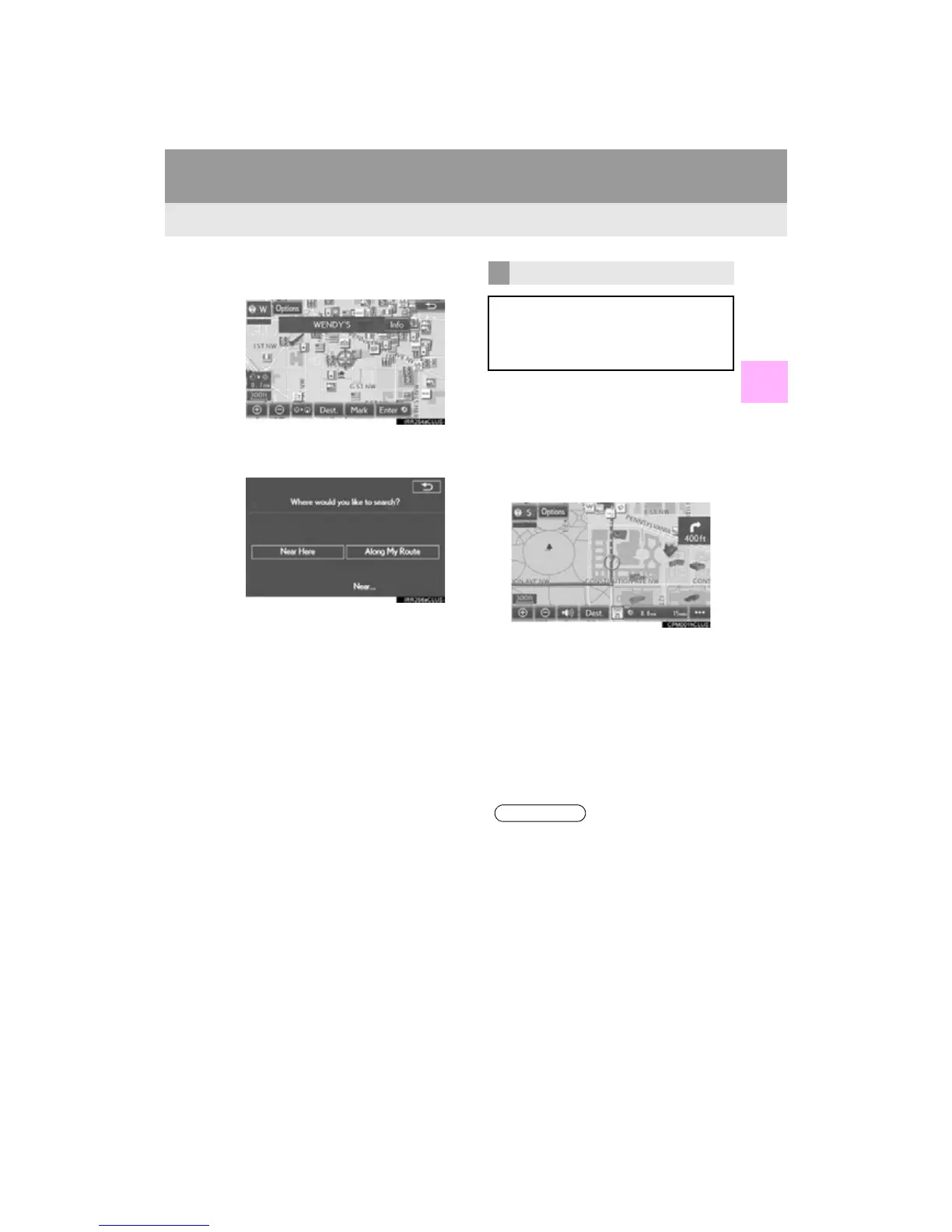
When “Near...” is selected
1 Select the desired item.
“Near Here”: Select to search for POIs
near the current position.
“A l o n g M y R o u t e ” : Select to search for
POIs along the route.
1 Display the “Map Information” screen.
(P. 85)
2 Select “Route Trace”.
The “Route Trace” indicator illuminates and
the route trace starts.
3 Check that the traveled line is displayed.
■ STOP RECORDING THE ROUTE
TRACE
1 Select “Route Trace” again.
2 A confirmation screen will be displayed.
“Yes”: Select to keep the recorded
route trace.
“No”: Select to erase the recorded
route trace.
ROUTE TRACE
The traveled route can be stored and re-
traced on the map screen. This feature is
available when the map scale is 30 miles
(50 km) or less.












 To Next Page