673
5-6. Using the hands-free phone system (for cellular phone)
5
Interior features
LS460_EE (OM50D49E)
Registering the phonebook data
You can register the phonebook data. Up to 3 numbers per person
can be registered. New phonebook data cannot be added for
PBAP compatible Bluetooth
®
phones.
Display the “Phonebook settings” screen. (P. 667)
Select “Manage contacts” on the “Phonebook settings” screen.
Select “New contact” on the “Contacts” screen.
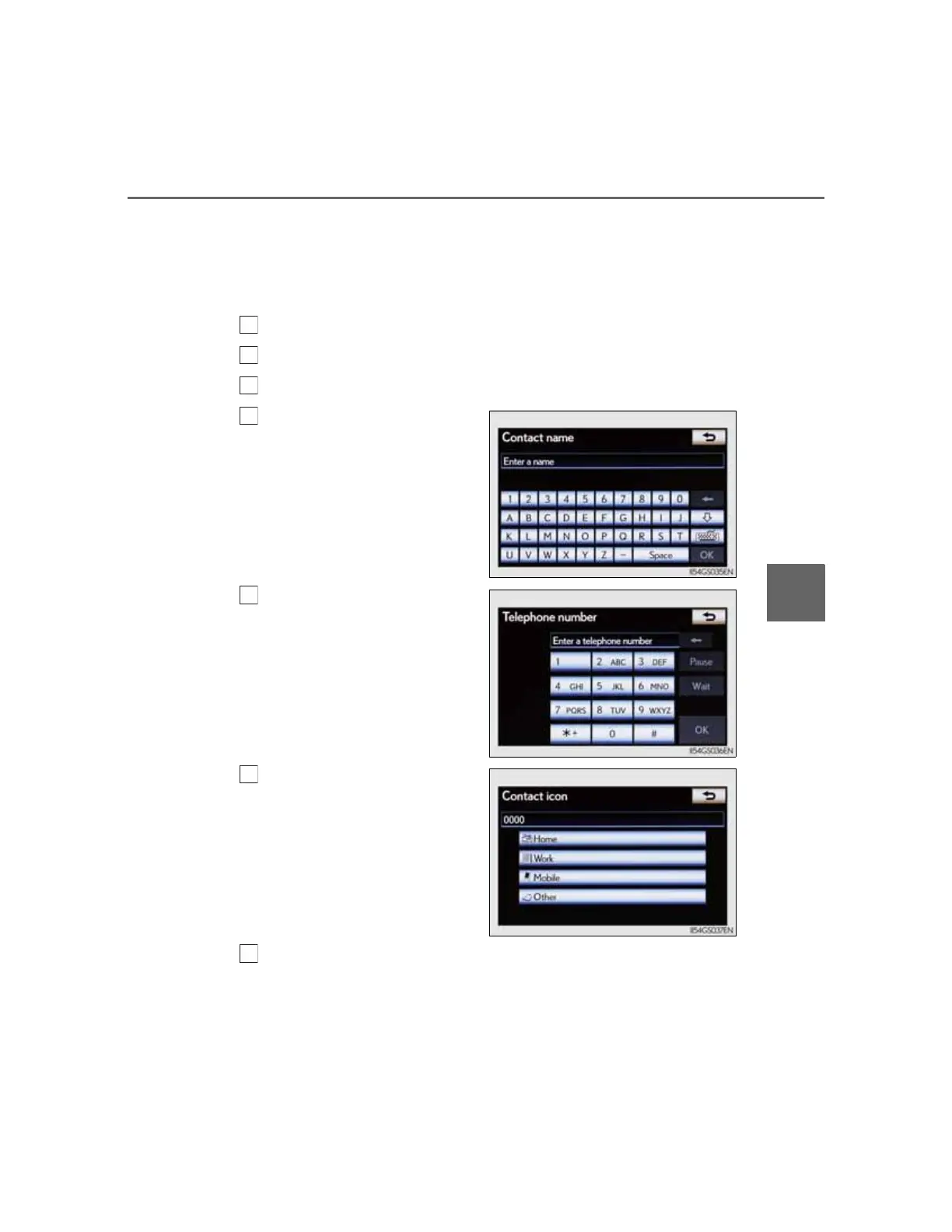
Input the name, and select
“OK”.
Input the phone number,
and select “OK”.
If you want to use the tone sig-
nal after the phone number,
input the tone signal too.
Select the desired phone
type.
When two or less numbers in total are registered to this con-
tact, a confirmation screen is displayed. When you want to add
a number to this contact, select “Yes”.



 To Next Page