674
5-6. Using the hands-free phone system (for cellular phone)
LS460_EE (OM50D49E)
Editing the phonebook data
You can register the phone number separately. Phonebooks can-
not be edited for PBAP compatible Bluetooth
®
phones.
Display the “Phonebook settings” screen. (P. 667)
Select “Manage contacts” on the “Phonebook settings” screen.
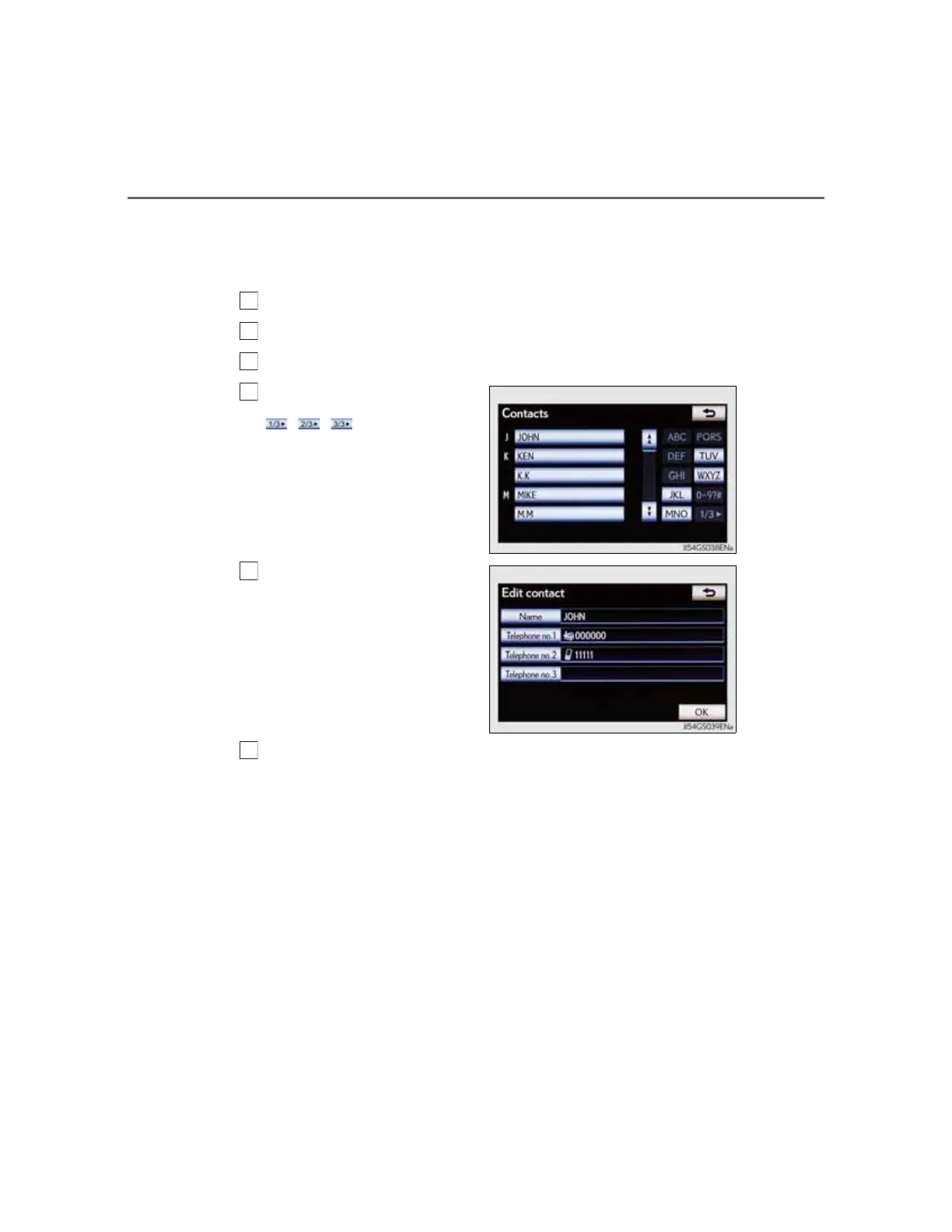
Select “Edit contacts” on the “Contacts” screen.
Choose the data to edit.
, , : Select this screen
button to change between Latin,
Cyrillic and Greek characters.
Select the desired name or
number.
Edit the name or number. After editing, select “OK”.



 To Next Page