30
ENG
ENGLISH
CUSTOMIZING SETTINGS
Sub Menu
Eachoptionisdescribedbelow.
PBP settings
1
ToviewtheMenuOSD,presstheMenu( )buttonatthebottomofthemonitor.
2
Press<or>togotoPBP.
3
PressOK/PBPtoselectPBP.
4
Usethe<or>buttonstosettheoptions.
5
Select toexittheOSDmenu.
Toreturntotheuppermenuorsetothermenuitems,usetheMenu( )button.
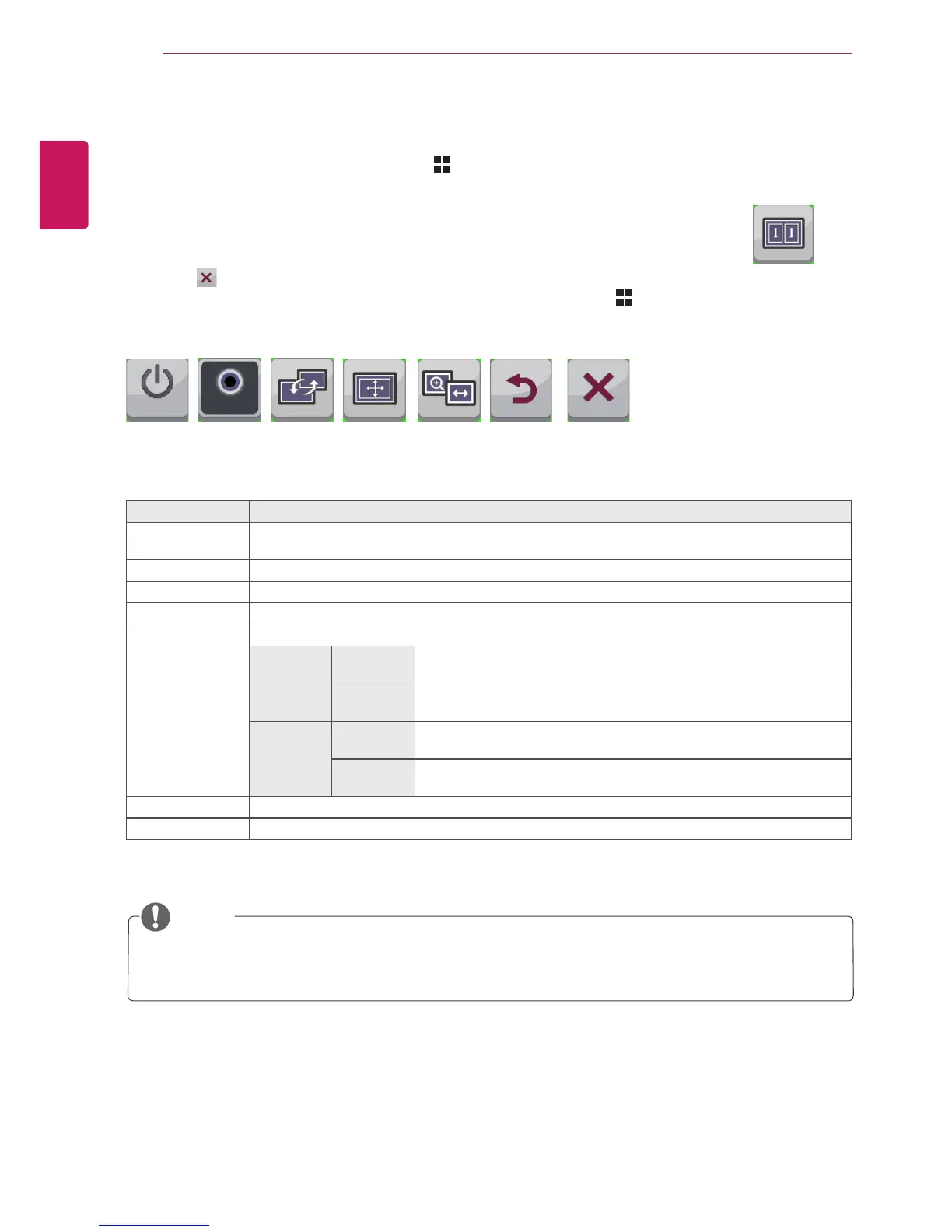
PBP
Menu > PBP Description
PBP Displaysthescreensoftwoinputmodesononemonitor.
(DVI+DP,HDMI1+DP,HDMI2+DP,DP+DVI,DP+HDMI1,DP+HDMI2)
Audio ChangestheaudiooutputinPBPmode.
Swap TogglesbetweenthemainscreenandsubscreeninPIPmode.
Sub Full ConvertsthesubscreenofPBPmodetothewidescreen.
Ratio Adjuststheaspectratioofthemainscreenorsubscreen.
Main Wide DisplaysthevideotofitthePBPscreen,regardlessofthevideosignal
input.
Original DisplaysthevideointheinputvideosignalaspectratioonthePBP
screen.
Sub Wide DisplaysthevideotofitthePBPscreen,regardlessofthevideosignal
input.
Original DisplaysthevideointheinputvideosignalaspectratioonthePBP
screen.
Back MovestothepreviousOSDscreen.
Exit ExitstheOSDmenu.
Swap
Sub Full Ratio
AudioPBP
Back
Exit
Audio-In
On
NOTE
WhenthePBPmodeisOff,Audio,Swap,SubFull,andRatiomenusbecomedeactivated.The
Main/SuboptionsforRatiobecomedeactivatedifthereisnosignal.



 To Next Page