31
ENG
ENGLISH
CUSTOMIZING SETTINGS
Picture
1
ToviewtheMenuOSD,presstheMenu( )buttonatthebottomofthemonitor.
2
Press<or>togotoPicture.
3
PressOK/PBPtoselectPicture.
4
Usethe<or>buttonstosettheoptions.
5
Select toexittheOSDmenu.
Toreturntotheuppermenuorsetothermenuitems,usetheMenu( )button.
Eachoptionisdescribedbelow.
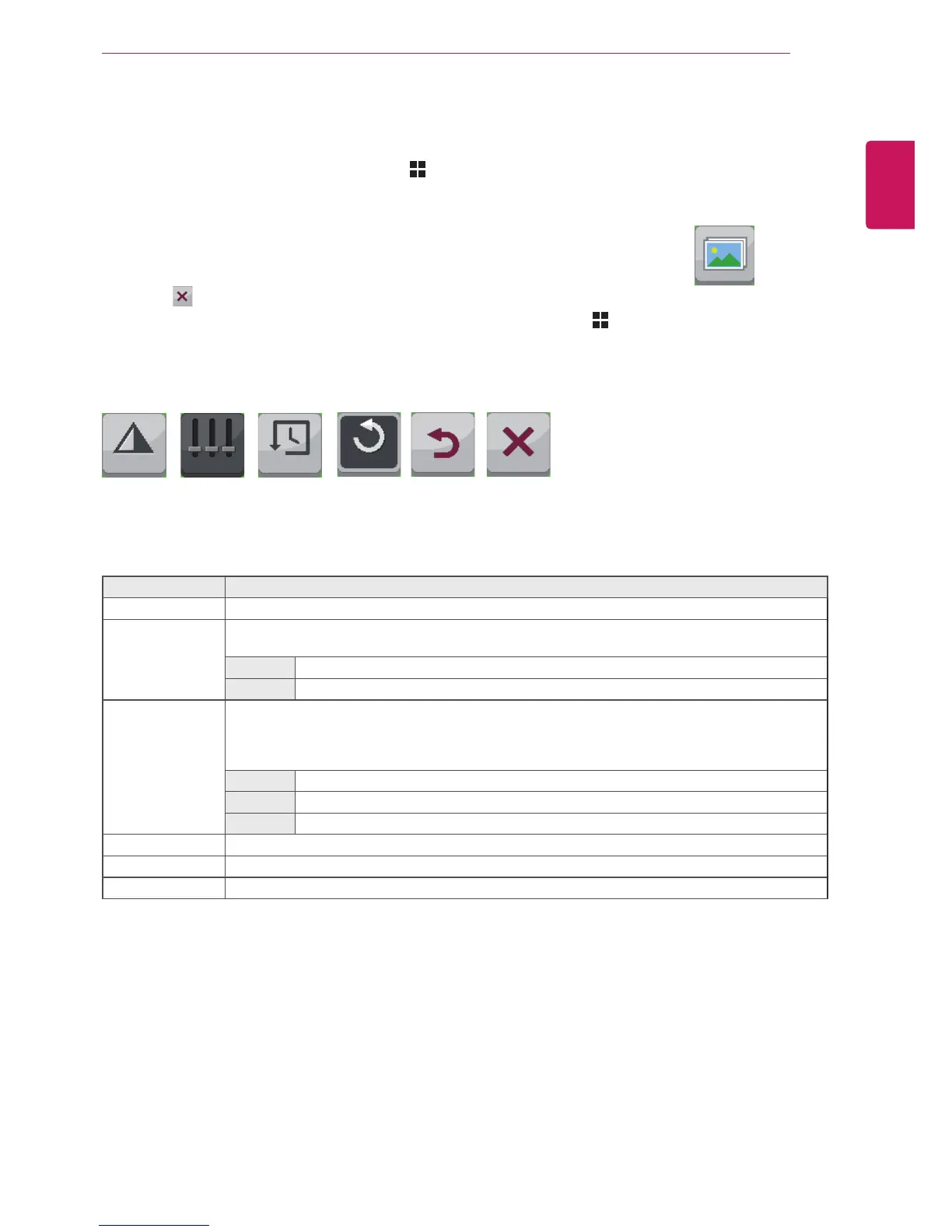
Picture
Sub Menu
Sharpness Black Level Response
Time
Low5 Middle
Picture
Reset Back Exit
Menu > Picture Description
Sharpness Adjuststhesharpnessofthescreen.
Black Level Setstheoffsetlevel(forHDMIonly).
Offset: asareferenceforavideosignal,thisisthedarkestcolorthemonitorcandisplay.
High
Thepictureofthescreengetsbrighter.
Low Thepictureofthescreengetsdarker.
Response Time Setsaresponsetimefordisplayedpicturesbasedonthespeedofthescreen.Foranormalen-
vironment,itisrecommendedthatyouuseNormal.Forafast-movingpicture,itisrecommended
thatyouuseHigh.
SettingtoHighmaycauseimagesticking.
High SetstheresponsetimetoHigh.
Middle SetstheresponsetimetoMiddle.
Low SetstheresponsetimetoLow.
Reset ResetsthePicturefunctiontothedefaultsettings.
Back MovestothepreviousOSDscreen.
Exit ExitstheOSDmenu.



 To Next Page