43
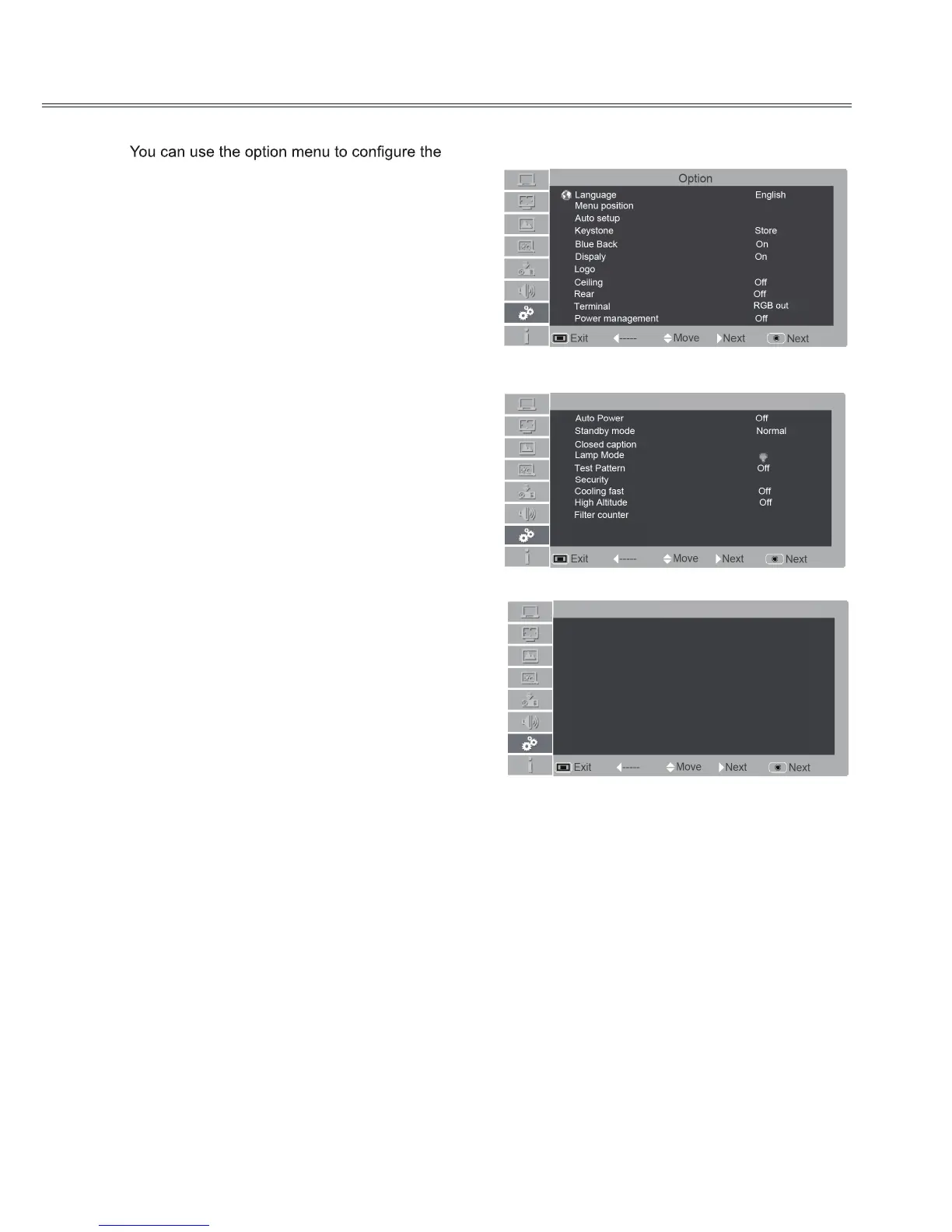
Option
Option
following functions.
1. Press MENU button on the remote control to
display the on screen menu. Press ▲ ▼ to
select Option.Then press ► or press OK to
enter the submenu.
2. Press ▲ ▼ to select the desired item to be
adjusted, and then press ► or press OK to
reach the selected item.
3. Press ▲▼ to select the desired item and then
press OK.
Language
Selects a desired Menu Language.
Menu position
You can use this function to change the position of
on screen menu. To do that, select menu position
and press OK. Each time you press OK, menu’s
position on the screen in the order below:
Upper left→Upper right→Center→ Lower left→
Lower right→Upper left→…
Option menu
1/3
2/3
Automatic Standby Off
Sleep time Off
Option
3/3
Automatic Standby Off
Sleep time Off
Option
Initial Setting



 To Next Page