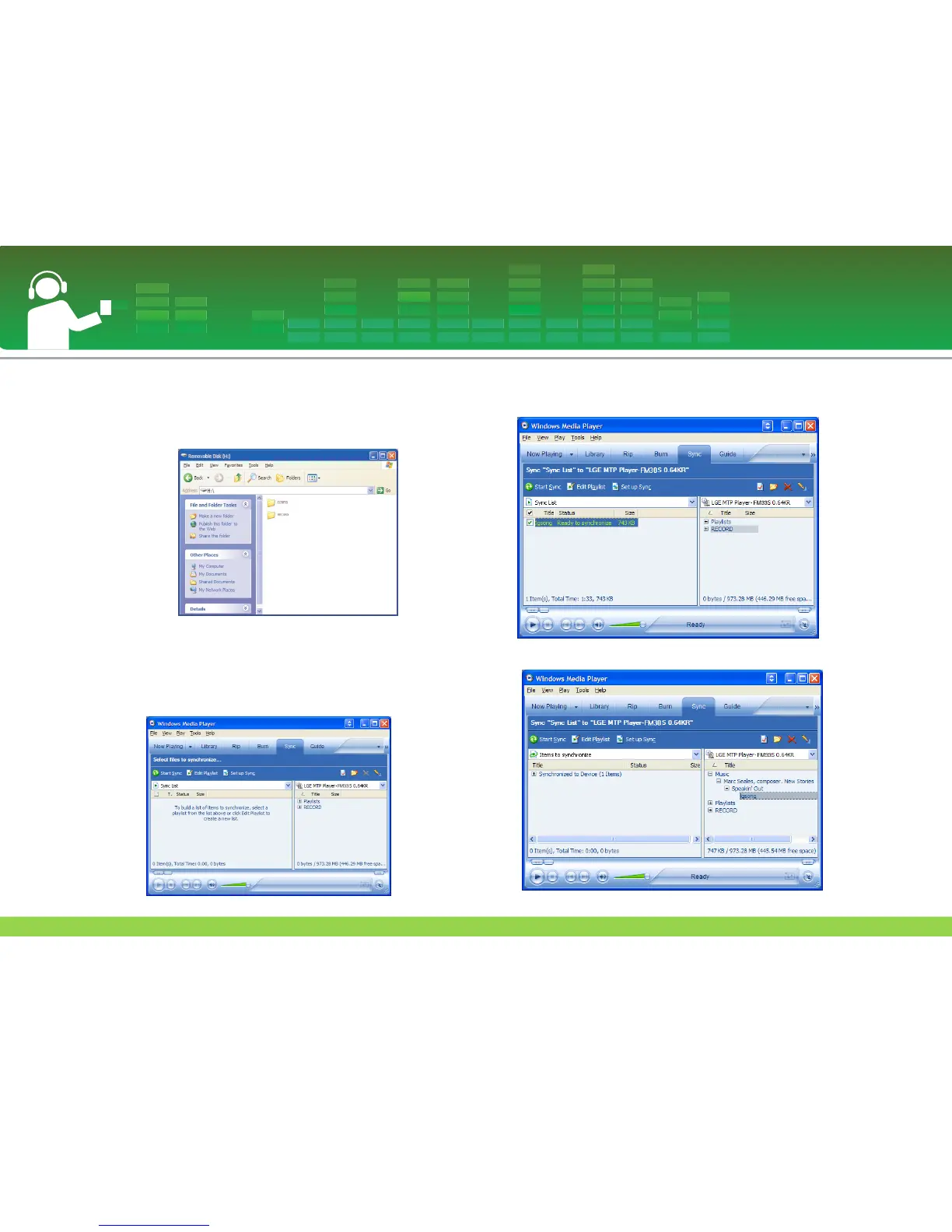
3 When Audio Device is selected.
- Data folder: You can download or upload all data files.
- Media folder: You can download only the file that Windows
Media Player 10 supports.
4 Upon manual setup
- When [Synchronize Media File with Device] has been
selected or the Windows Media Play 10 is opened (The
data cannot be uploaded to the PC from the Windows
Media Player 10)
5 When the files to be synchronized are dragged to the left
window
6 When files are synchronized and a new folder is created.
Connecting to the PC
22



 To Next Page