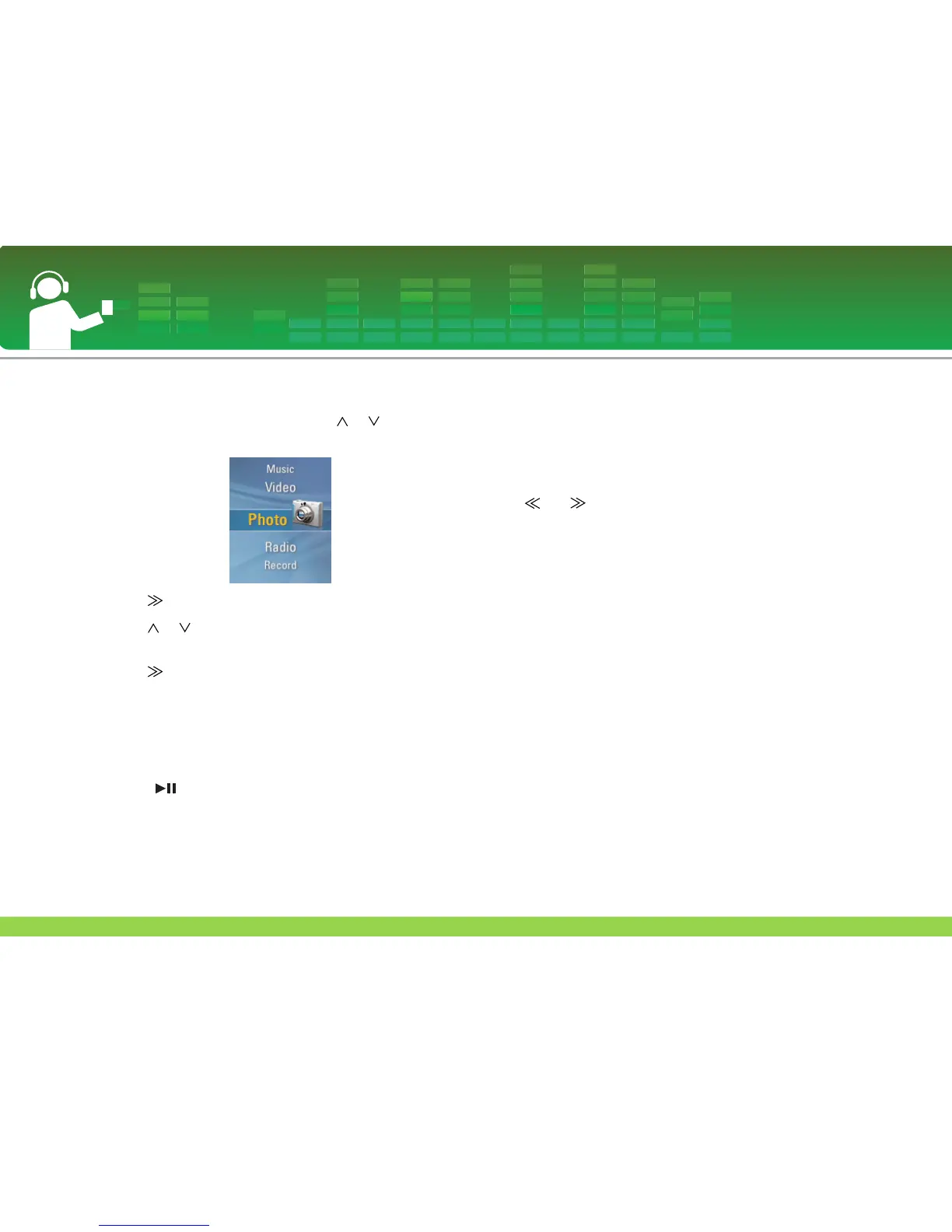
View the photo file
1 Move to the Home menu, and press or button to
select [Photo] menu.
2 Press or SELECT button to enter the [Photo] menu.
3 Press or button to select the photo file.
- The supported photo file format : JPG, BMP
4 Press or SELECT button to play.
- Press SELECT button to move between the full view and
four-division view in the photo mode.
- Enter to the photo list screen if MENU button is pressed
while viewing the photo.
- Press and hold MENU button for two seconds to enter to
home menu.
- Press button to return to the playing mode from photo
list screen.
- Large-sized photos may not be opened or played.
- In case of BMP file, only 24-bit colors will be supported
(Only the BMP files downloaded in the MSC mode are sup-
ported).
- In case of the JPG file downloaded from the LG Media
Center, all photos can be viewed regardless of the size. It is
recommended to download JPG files from the LG Media
Center for quicker display.
To view the previous or next photo
Press or button to view the previous or next photo.
View Photo File
37



 To Next Page