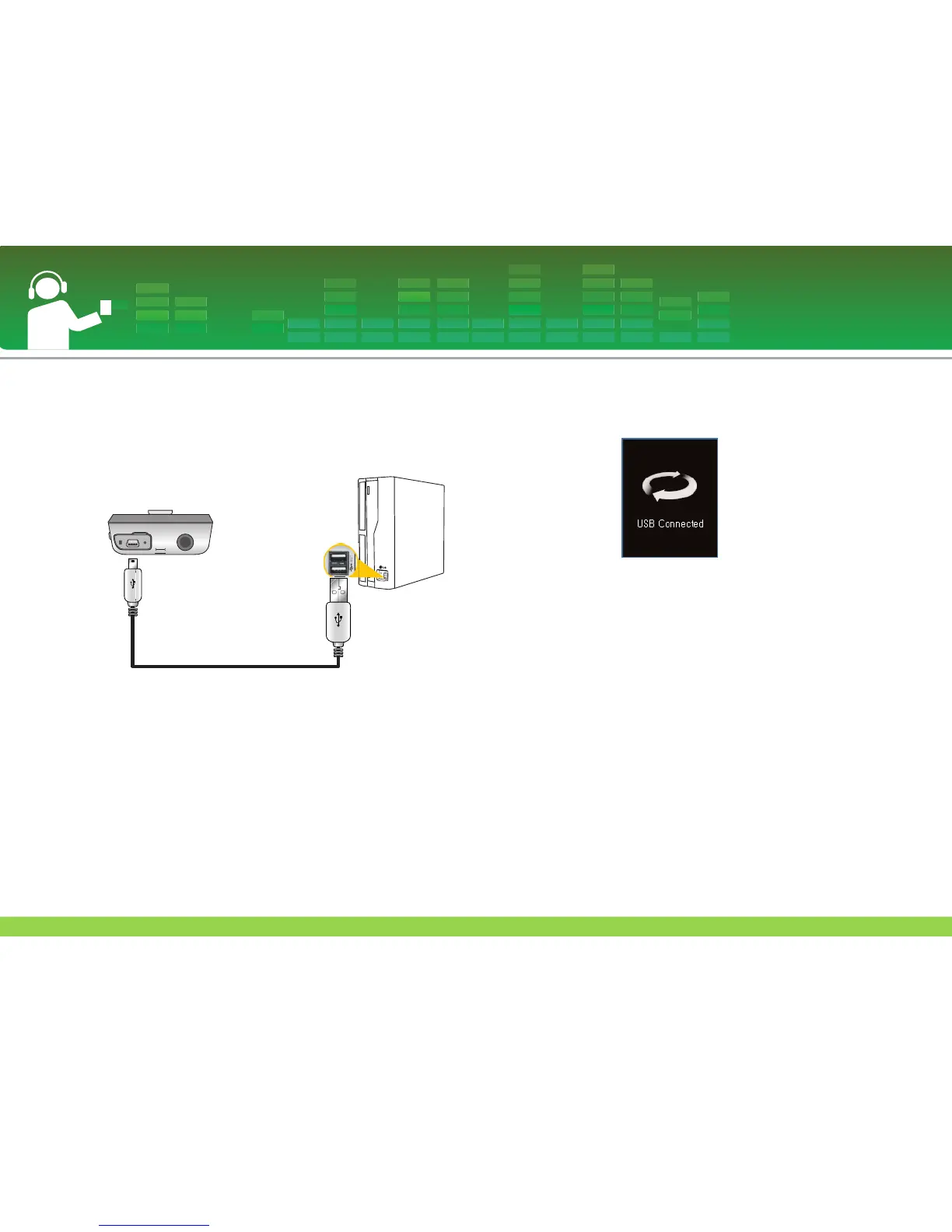
To connect the USB cable
1 Connect one end of the USB cable to the USB port of the
PC and the other to the USB port of the player.
- Check whether both ends are correctly plugged in.
2 If the USB device is normally recognized after the cable is
connected, the following will be displayed.
- The version is displayed on the LCD.
3 In case of a correct connection, an icon will be displayed
on the task bar of the PC.
- The icon shapes on the task bar may differ depending on
the OS of the PC.
Installation and connection
26



 To Next Page