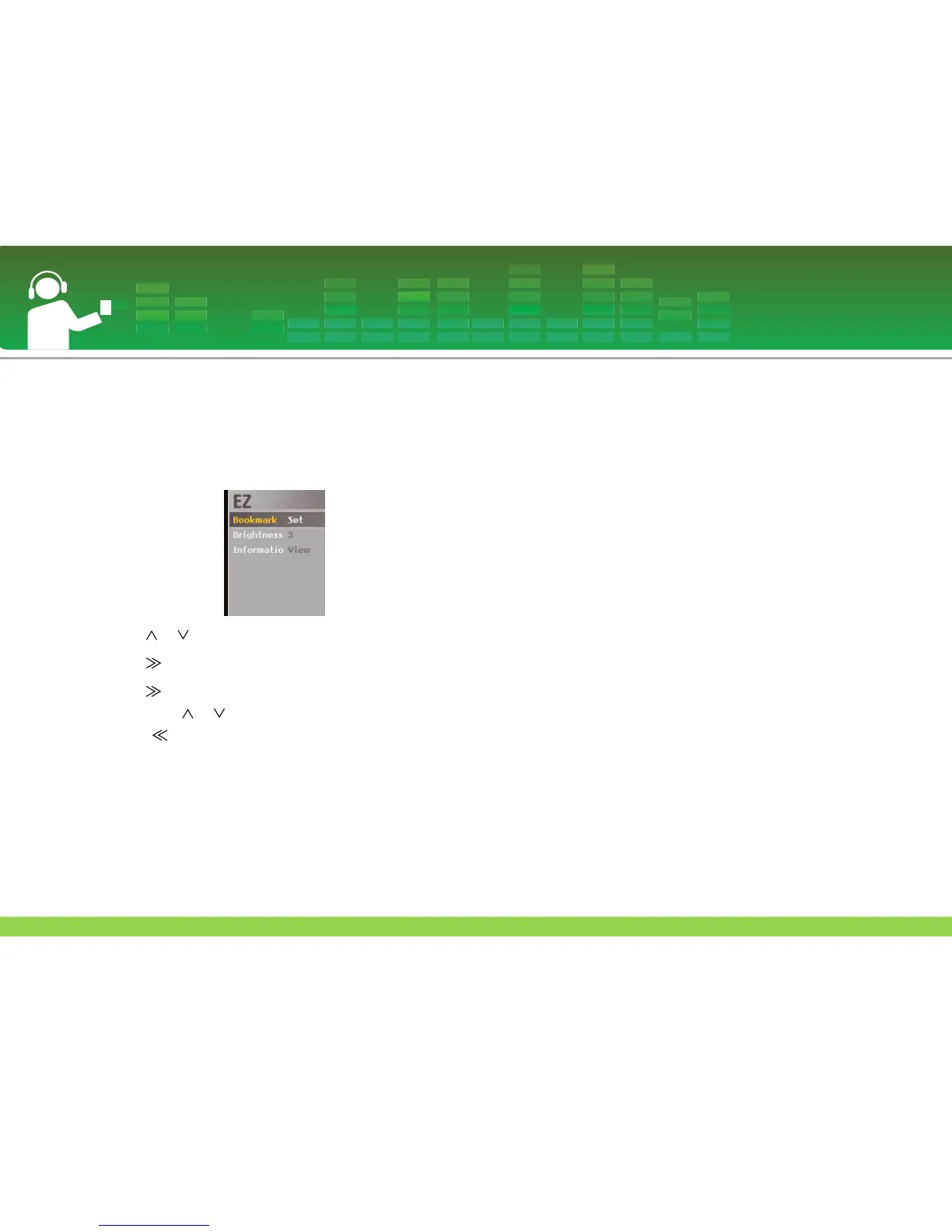
EZ menu
You can set the desired function or switch to the other mode
using EZ menu.
1 Press ez button to display EZ menu screen while playing
or pausing.
2 Press or button to move to the desired item.
3 Press or SELECT button to move to the submenu.
4 Press or SELECT button after changing the setting
by pressing or button.
- Press button to exit without change.
5 Press ez button to exit the EZ menu.
Bookmark Set/Move/Cancel
You can move to the point you set while playing the video.
1 ez button > [Bookmark] > [Set]/[Move]/[Cancel]
- If the bookmark is not set, [Set] menu will only appear.
2 Once the bookmark is set, the menu will be automatically
changed into [Move] and you can only change the
bookmark to [Cancel/Move].
- By selecting [Move], you can go to the bookmarked point.
3 If the bookmark is canceled, the menu will be automati-
cally changed to [Set].
- When the list is updated, the bookmark will be automati-
cally disabled.
Brightness
You can adjust the brightness level from 1 to 4.
1 ez button > [Brightness] > [1 - 4]
- The default brightness is 3.
Information
Displays the information of the video file.
1 ez button > [Information] > [View]
- You can check the information of file name, play time
and volume.
Playing video
36



 To Next Page