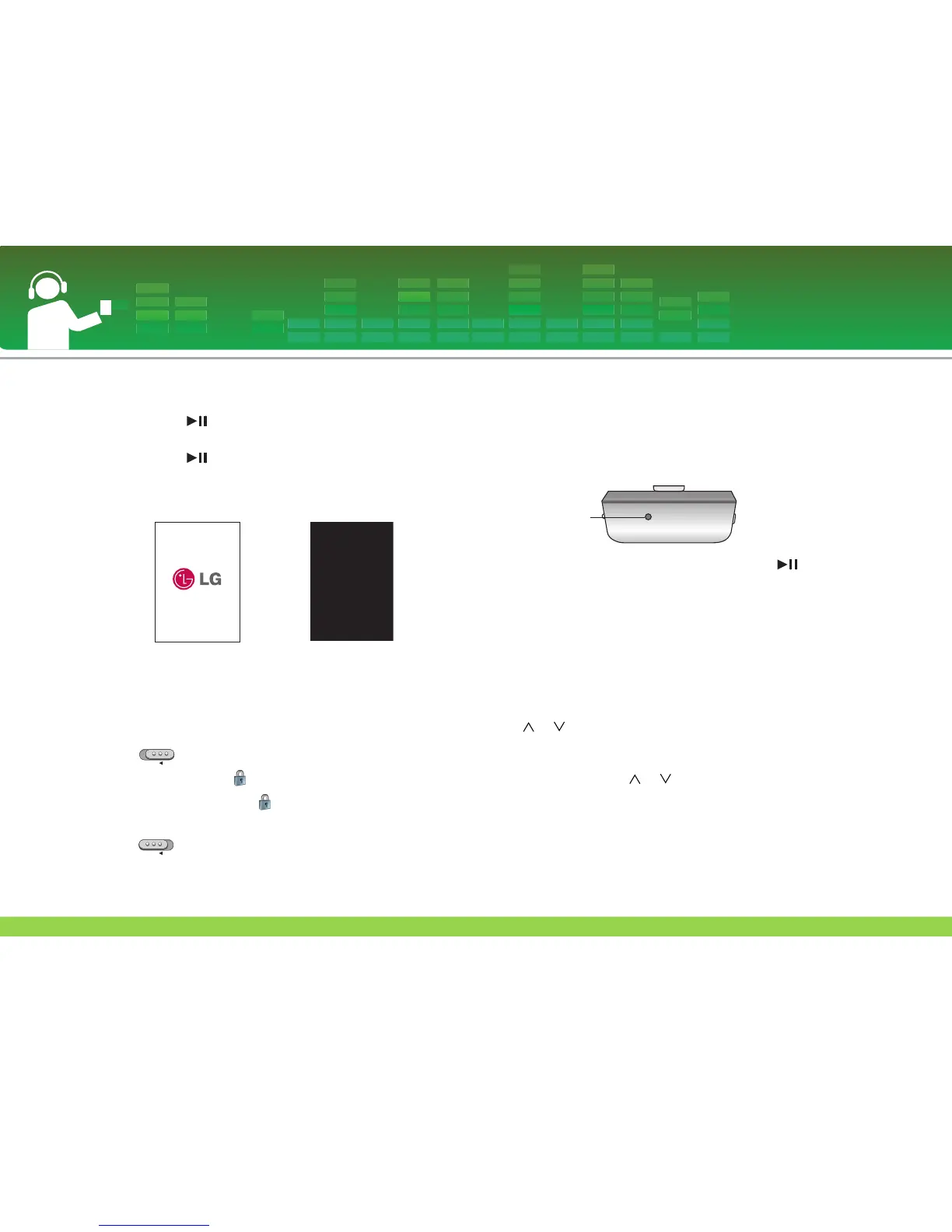
To Turn on/off the power
Press and hold button for about 2 seconds until the
player is turned on.
Press and hold button for about 2 seconds again to
turn off the player.
- Downloading files in the MSC mode may take time for rebuild-
ing depending on the number of files.
Lock feature
This feature locks the player to prevent it from operat-
ing when you accidentally press a button.
1 Slide switch in arrow direction to lock the player.
- Upon locked status, will be displayed on the LCD. Upon
pressing of each button, will appear for two seconds and
disappear.
2 Slide switch to the opposite of arrow direction to
unlock the device.
Reset feature
This feature is to reset the player if the player is not
operated normally.
1 Press the RESET button when the player is not operated
normally.
2 After the power is turned off, press and hold button
for about two seconds. Then, the power will be turned on.
- When the player is connected to the AC adapter or the play-
er is connected to PC with USB cable, it will be automatical-
ly turned on.
- Reset function initializes setting values.
Volume control
Press or button to control the volume.
- The volume level can be adjusted by 40 steps. (Min,
1 - 39, Max)
- If you press and hold or button for about 2 seconds,
the volume levels will decrease or increase by 2 steps.
- The default volume is 20.
- To protect hearing, the maximum volume is set as 25
when you turns on the player.
Basic operation
28


 To Next Page