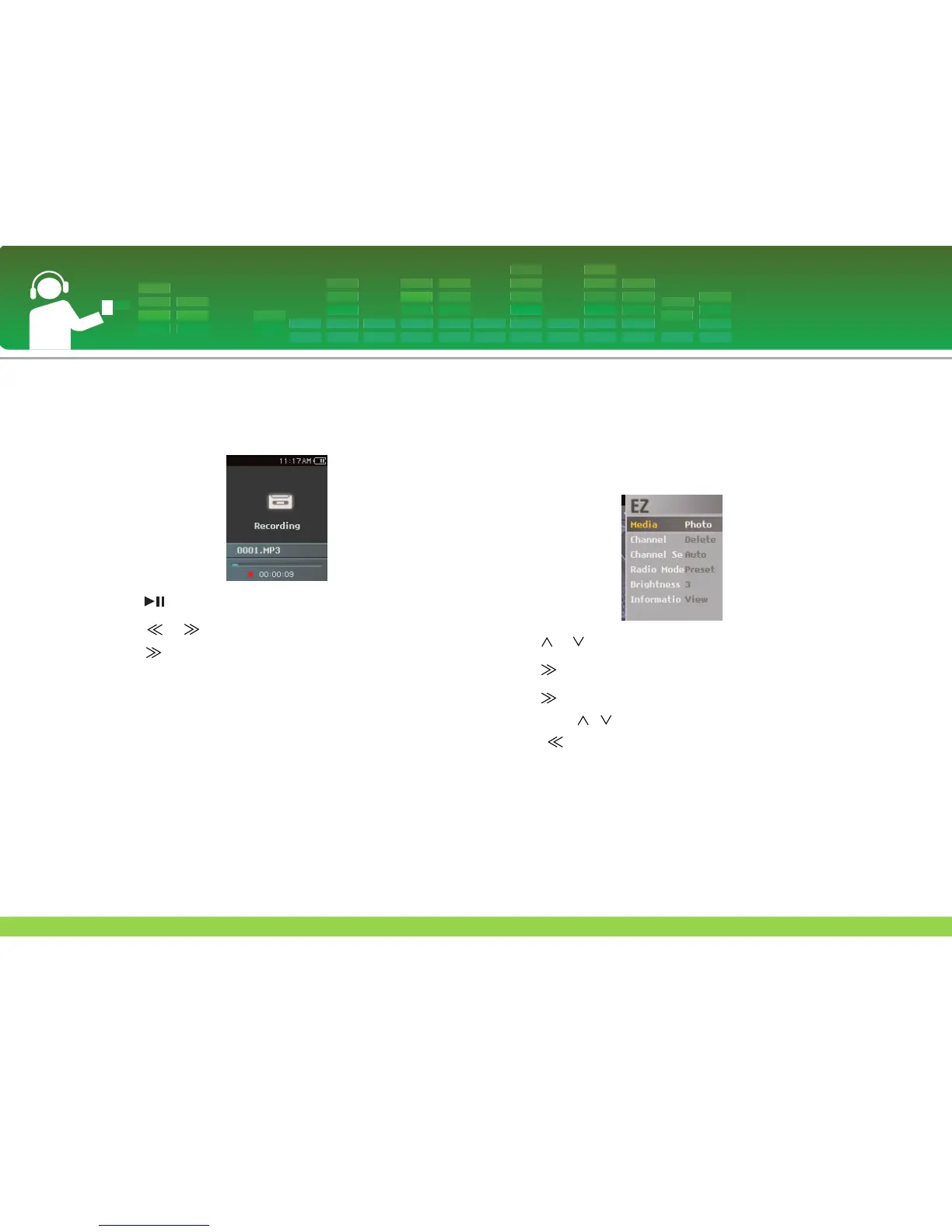
To record FM radio broadcasting
1 To record while listening to the radio, press REC button.
- The recording time will be displayed and the recording will
start.
2 Press button to pause.
3 Press or button to select Continue or End. Then,
press or SELECT button.
- If you select Continue, recording will be resumed.
- The recorded files will be saved under Record folder named
F060925_0004.MP3 (Year Month Date_Order)
4 To stop recording, press REC button.
- Files less than one second long will not be saved.
5 Move to “Recorded file” menu to play.
- Home menu > [Music] > [Recorded file]
(Refer to page 32.)
EZ menu
You can set the desired function or switch to the other mode
using EZ menu.
1 Press ez button to display EZ menu screen while listening
to the radio.
2 Press or button to move to the desired item.
3 Press or SELECT button to move to the submenu.
4 Press or SELECT button after changing the setting
by pressing , button.
- Press button to exit without change.
5 Press ez button to exit the EZ menu.
FM radio reception (Optional)
47



 To Next Page